27
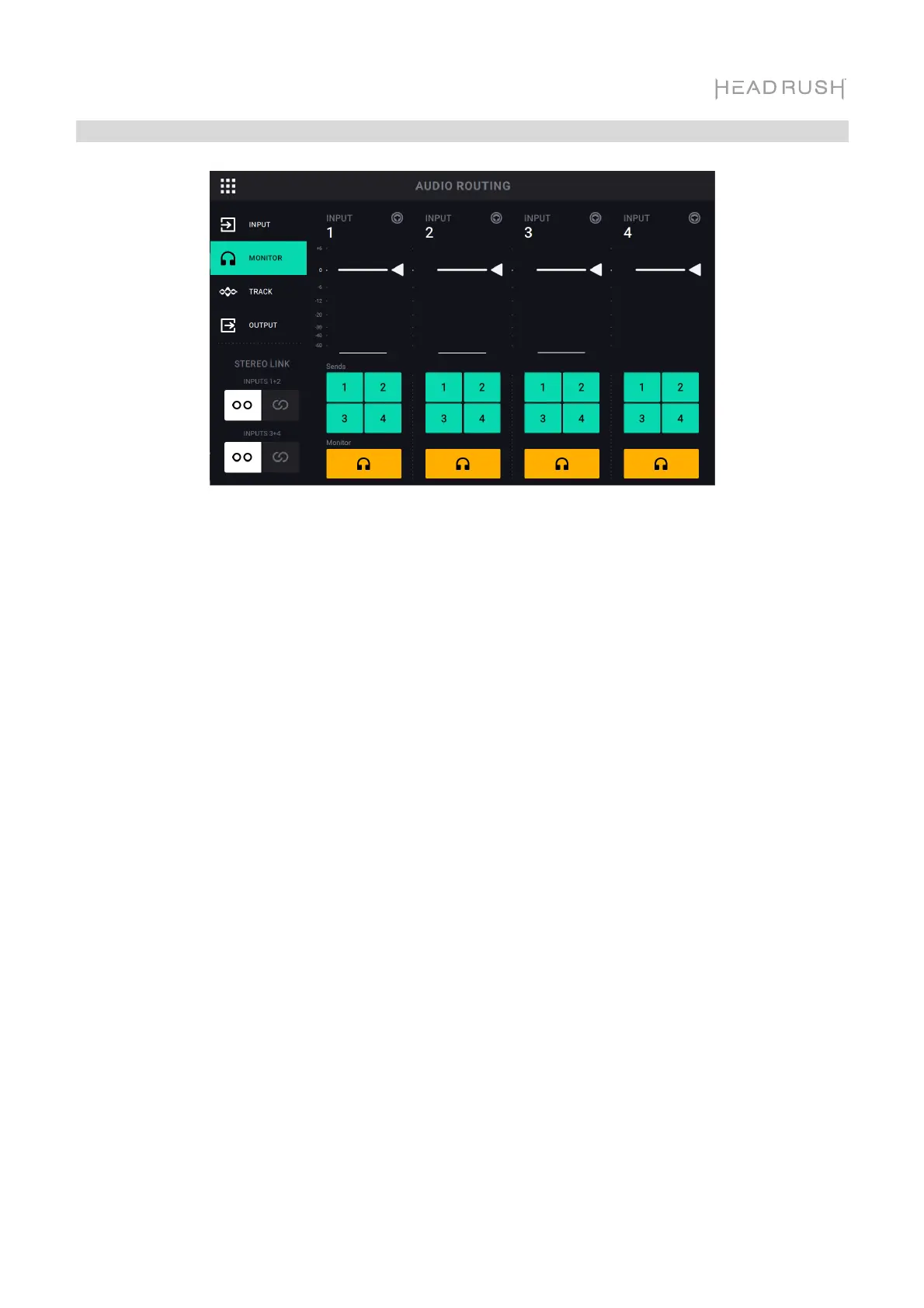
Monitor Setup
You can use the Monitor Setup page for listening to your inputs while recording, overdubbing, and
playing back loops. You can control the level of each input, as well as which output that you would
like to monitor to them on.
To adjust the monitor level of an input, tap and drag the white line at the top of its meter.
To select an output for monitoring, tap the desired Output 1–4 buttons under Sends, or the
Headphone Icon monitor button.



 To Next Page