34
Backing Track Player
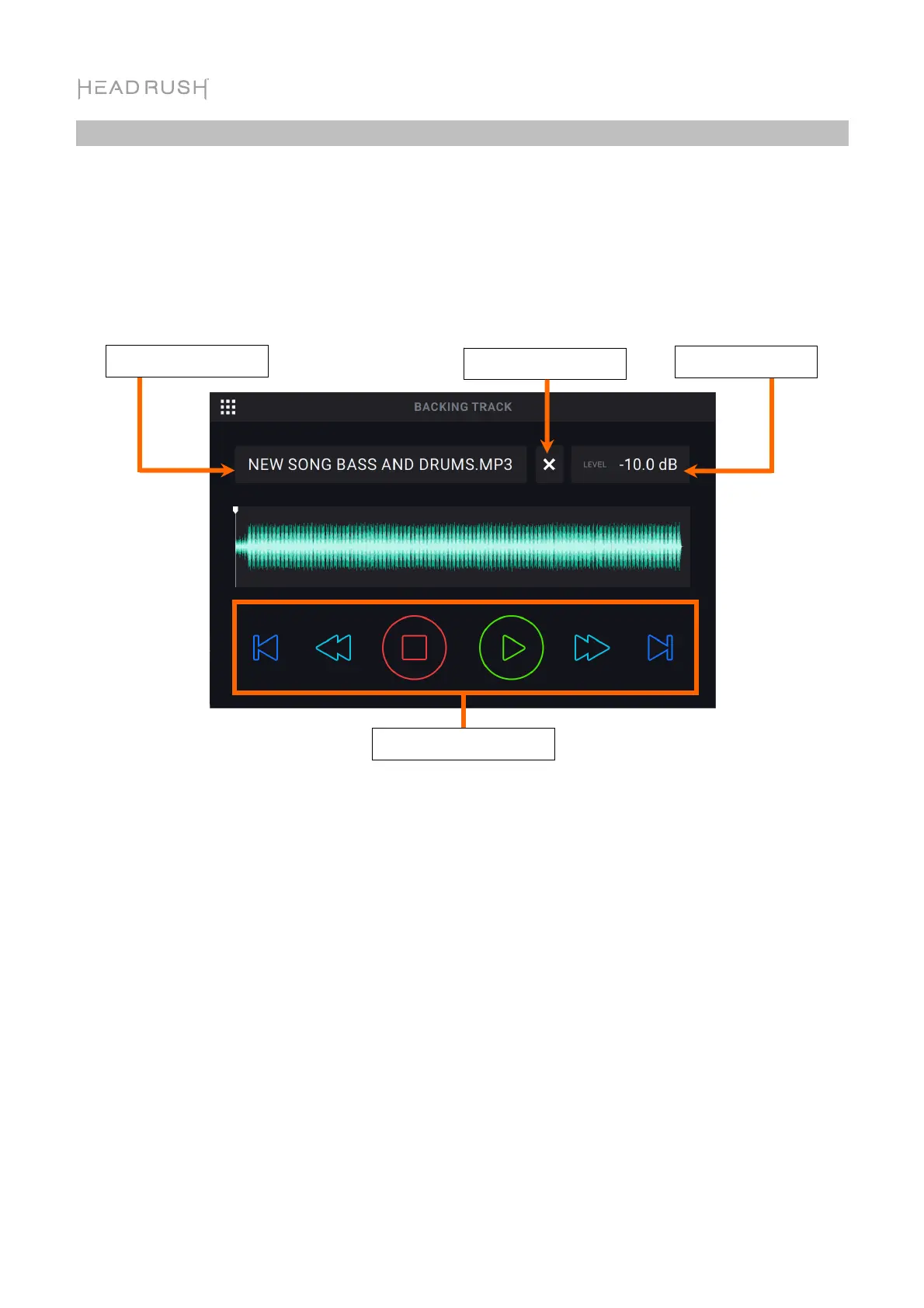
The Backing Track feature enables you to play audio files (.WAV or .MP3) when you are not looping.
This feature operates completely independently from the four looper tracks, and can be especially
useful for performance situations when you need a simple backing track accompaniment.
Backing Tracks can be played directly from internal storage, or from external USB/SD storage
devices. Backing tracks can be loaded to the HeadRush Looperboard’s internal storage by using the
USB Connection. See the following chapter to learn more.
To select a backing track, tap the drop-down menu below File.
To adjust the Track Level, tap the current Track Level dB setting and then turn the encoder to
change the value. You can also adjust this on the Mixer page.
To rewind the currently selected backing track, press footswitch 3.
To stop the currently playing backing track, press footswitch 4.
To play the currently selected backing track, press footswitch 5.
To fast forward the currently selected backing track, press footswitch 6.
To load the previous backing track, press footswitch 9.
To load the next backing track, press footswitch 12.
Select Backing Track
Adjust Track Level
Backing Track Transport
Clear Backing Track



 To Next Page