33
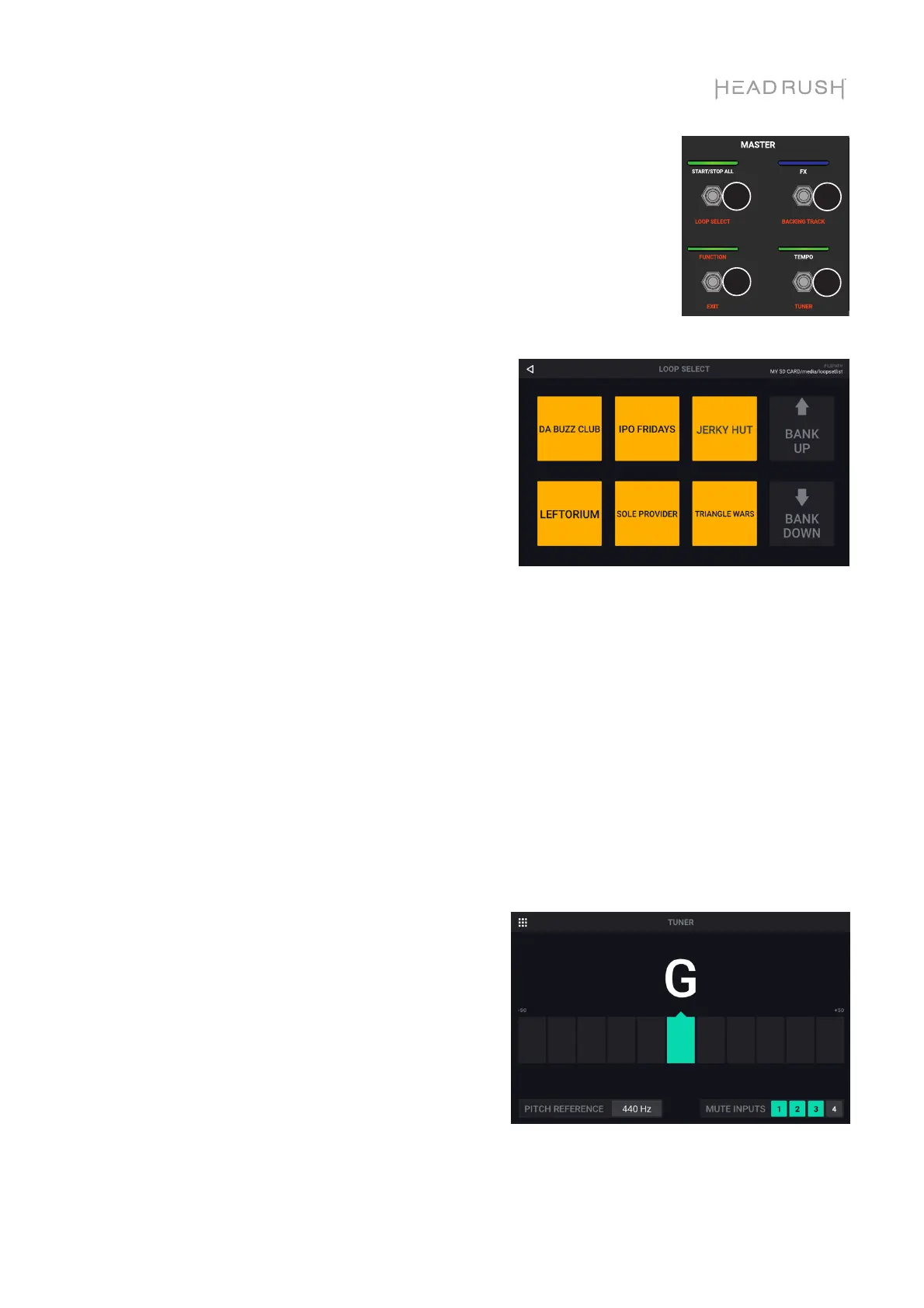
You can access these functions by using the corresponding footswitches
1–2 and 7–8 only:
Loop Select:
Select this option to load a loop using the
footswitches. You are only able to select loops
that are on the same storage device and in the
same folder as the currently loaded loop.
Use footswitches 3–5 and 9–11 to load a
different loop.
Use footswitches 6 and 12 to move up or down
in your banks of loops.
Backing Track:
Select this option to control the Backing Track
feature.
Exit:
Use footswitch 7 to return to the previous page
from the Functions page.
Tuner:
When using the built-in tuner, all input signal will
be muted from the outputs. Loop playback will
continue to play back to the outputs.
If you would like to leave an input active, tap the
Mute Inputs 1-4 buttons in the lower right corner
to unmute the input. This is useful in performance
situations where you would still like the ability to
talk to your crowd while tuning your muted guitar.
Tap the Pitch Reference and use the encoder to
adjust the tuning reference frequency. The default
is 440 Hz.
12
78



 To Next Page