22
Step 4:
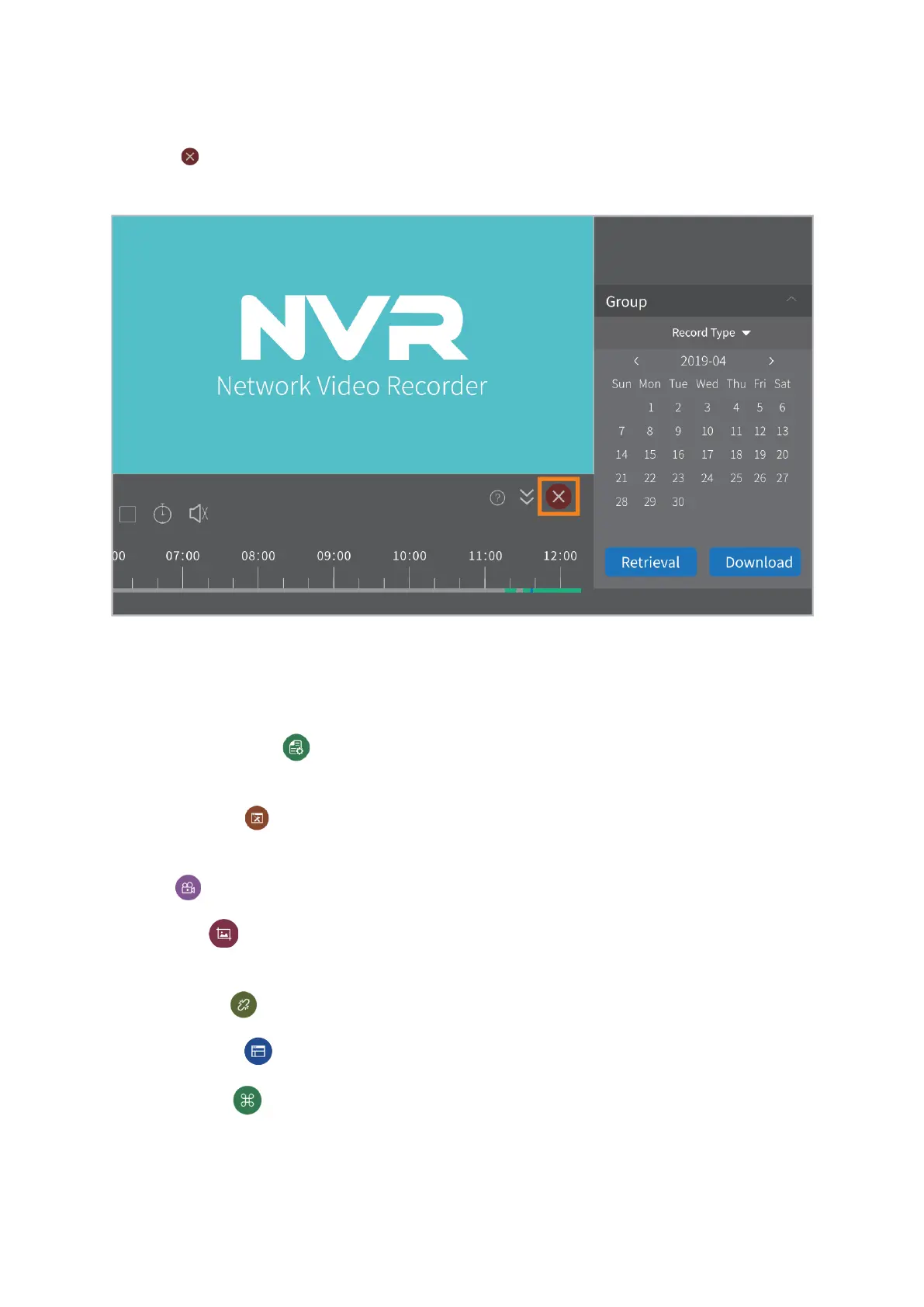
Click the icon to exit from the video playback interface and get back to the live picture
again.
Other Functions of the Bottom Menu
Device management( ): add more NVR devices, delete the selected NVR device and
modify the information of the NVR device.
User Parameter( ): change language, change the paths of saving Screenshot,
downloading the historical video and saving the recording file of current live picture, etc.
Record( ): record the current live video into your computer.
Screenshot( ): capture a screenshot of the current live picture and save into your
computer.
Disconnect all( ): disconnect the NVR device.
Screen Number( ): change the channel numbers showing in the screen.
More function( ): change the password of the admin, check the user logs, manage
the local resources like Screenshot and videos, etc.



 To Next Page