28
Tip:
If the Web port (e.g. 80) of your NVR system has been changed to another number, e.g.
1111, please enter 192.168.32.213:1111 into the IE browser.
Option 2:
When your PC is connected to a different Router which is not the same as your NVR’S,
you can visit the NVR system from Cloud.
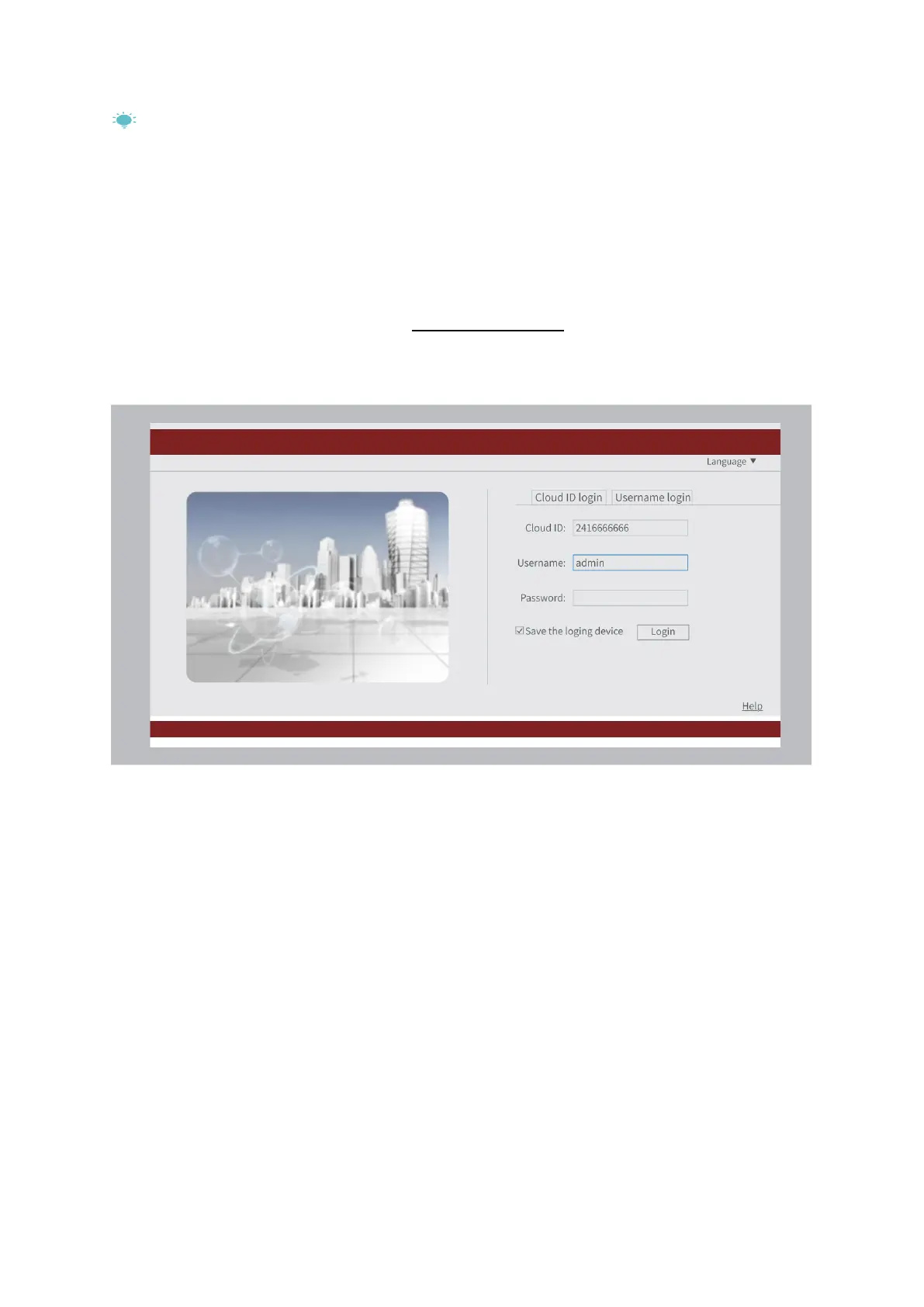
After getting the Cloud ID, please visit www.e-seenet.com, then enter the Cloud ID (e.g.
2416666666) and Username to log in to the NVR system. You can only view the live
picture from the Cloud in this option.
EXTEND THE WIFI RANGE
The Wifi signal will be weaker when going through the wall, stair and other obstacles.
However, there are some solutions that may help to extend the Wifi range.



 To Next Page