19
OPERATE NVR SYSTEM FROM CLIENT ON PC
Important:
• https://www.heimvision.com/download/Cameras is the link for downloading the
EseeCloud client. After downloading, install and operate the Client following
instructions.
• Check the Cloud ID from the Network setup mentioned in the section of OPERATE
NVR SYSTEM WITH A MONITOR.
• Connect the NVR system to the Router via Ethernet cable in advance.
• Make sure the status of the Cloud (P2P) is ONLINE. If it’s OFFLINE, please unplug the
Ethernet cable, then plug again to check the status.
• Make sure the Network status is Healthy Network.
Client Installation and Login
Step 1:
Double left click the EseeCloud_Setup.exe file to install and run the Client.
Step 2:
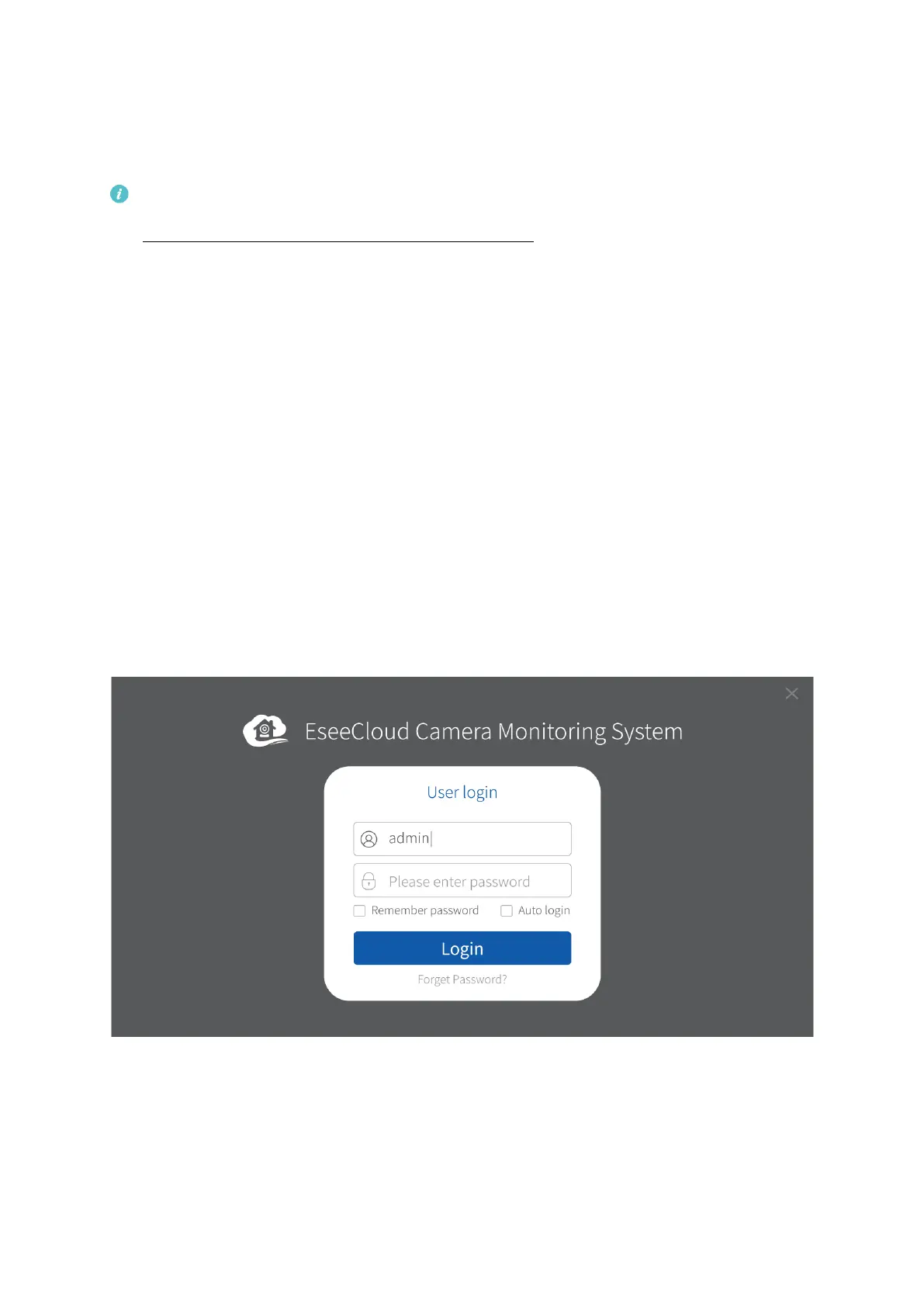
Log in to EseeCloud Client with the default User Name (admin) and password (empty,
namely enter nothing) if you did not set any password.



 To Next Page