32
Step 2:
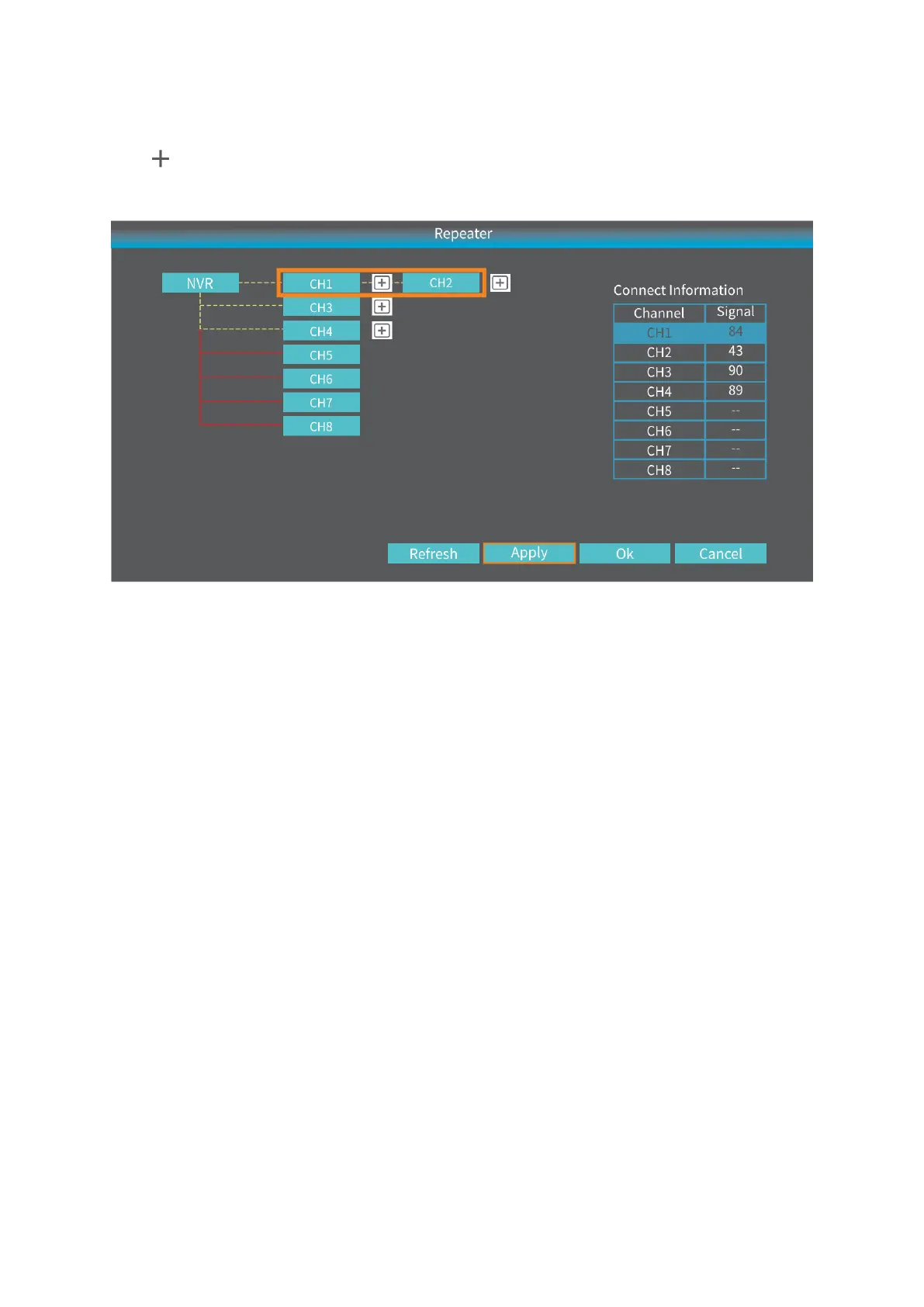
Click after CH1/IPCAM1, then select 2 to set IPCAM1 as a repeater. This means
CH2/IPCAM2 is connected to the NVR through CH1/IPCAM1.
Step 3:
Click Apply to finish the cascading connection. To check if it’s set successfully, please
click Refresh. To delete the Repeater, left click on the selected channel, then click Apply
and OK.
ADD A NEW IP CAMERA TO THE NVR SYSTEM
When you need to add a new IP Camera to replace the original one, please follow the
steps below.
Step 1:
Plug the power adapter into the new camera and socket;
Step 2:
Plug the Ethernet cable into the NVR system and the camera;



 To Next Page