23
OPERATE NVR SYSTEM ON MOBILE DEVICE
IMPORTANT:
• Connect the NVR system to the Router via the Ethernet cable in advance.
• Make sure the NVR system and the mobile device are connected to the same
network.
• Check the Cloud ID from the Network setup mentioned in the section of OPERATE
NVR SYSTEM WITH A MONITOR.
Download and install the App
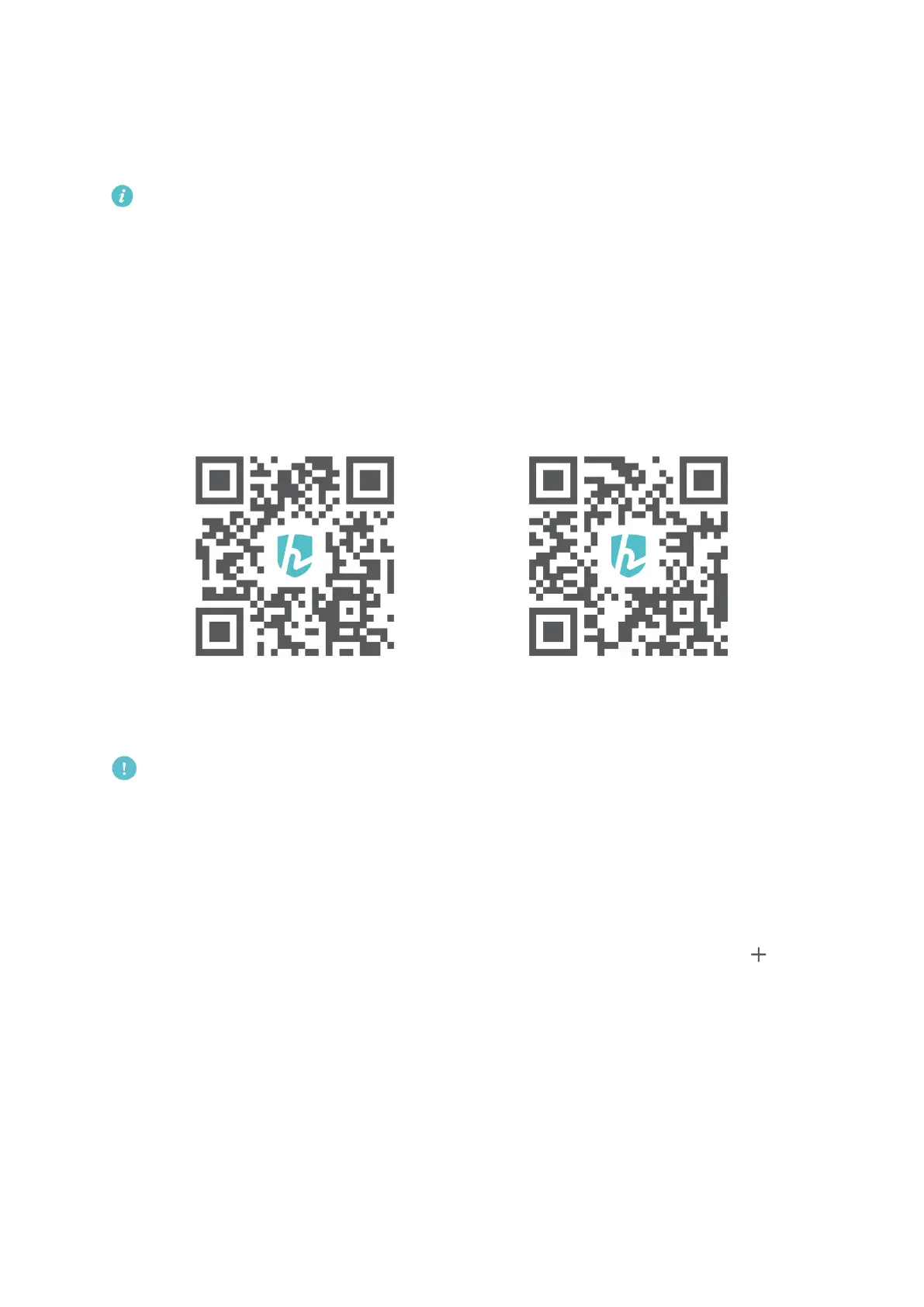
Search and download HeimKits into your mobile device from App Store/Google Play or
scan the QR codes below to download.
iOS System: Android System:
iOS 8.0 and later Android 4.4 and later
Note:
Google Play™ is a trademark of Google Inc., and App Store™ is a trademark of App Inc.
Add the NVR System to the App
Install and open HeimKits App, then follow the steps below to add the NVR system.
Step 1:
Register an account with your email address and log in to HeimKits, then tap the icon
in the center or on the upper right corner to continue.



 To Next Page