26
Playback:
Tap to view the videos recorded.
Window:
Change the number of channels displayed on the screen.
Proportion:
Change the aspect ratio.
SD:
Switch the image quality between SD and HD. SD is the default setting
recommended for smooth streaming.
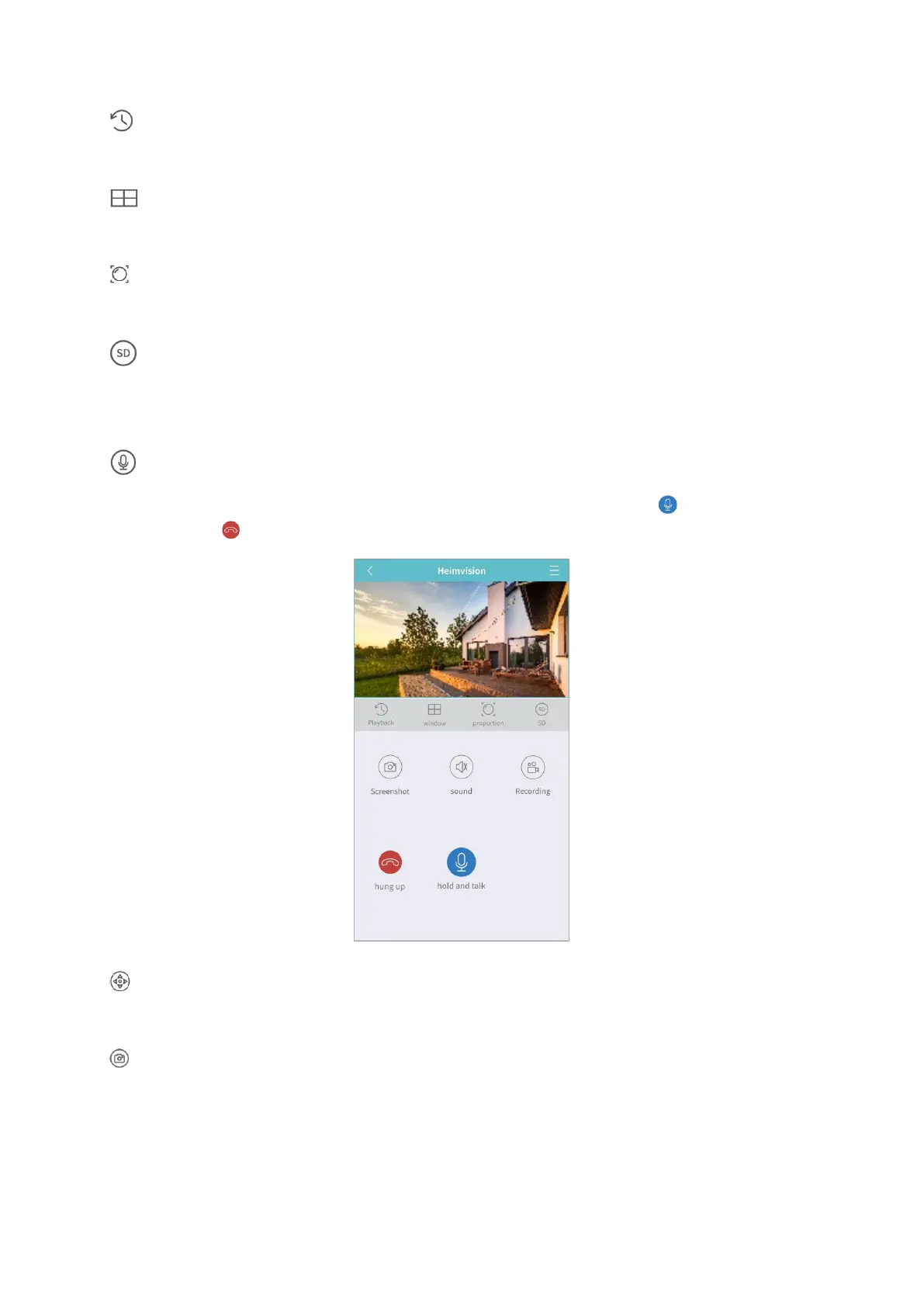
Intercom:
Tap to start talking with people near the NVR. Press and hold the icon to talk;
press the icon to hang up.
PTZ:
Unavailable.
Screenshot:
Tap to capture a screenshot to the App. Please go to the Main interface > Personal
center > Screenshot/Recording to check.



 To Next Page