8
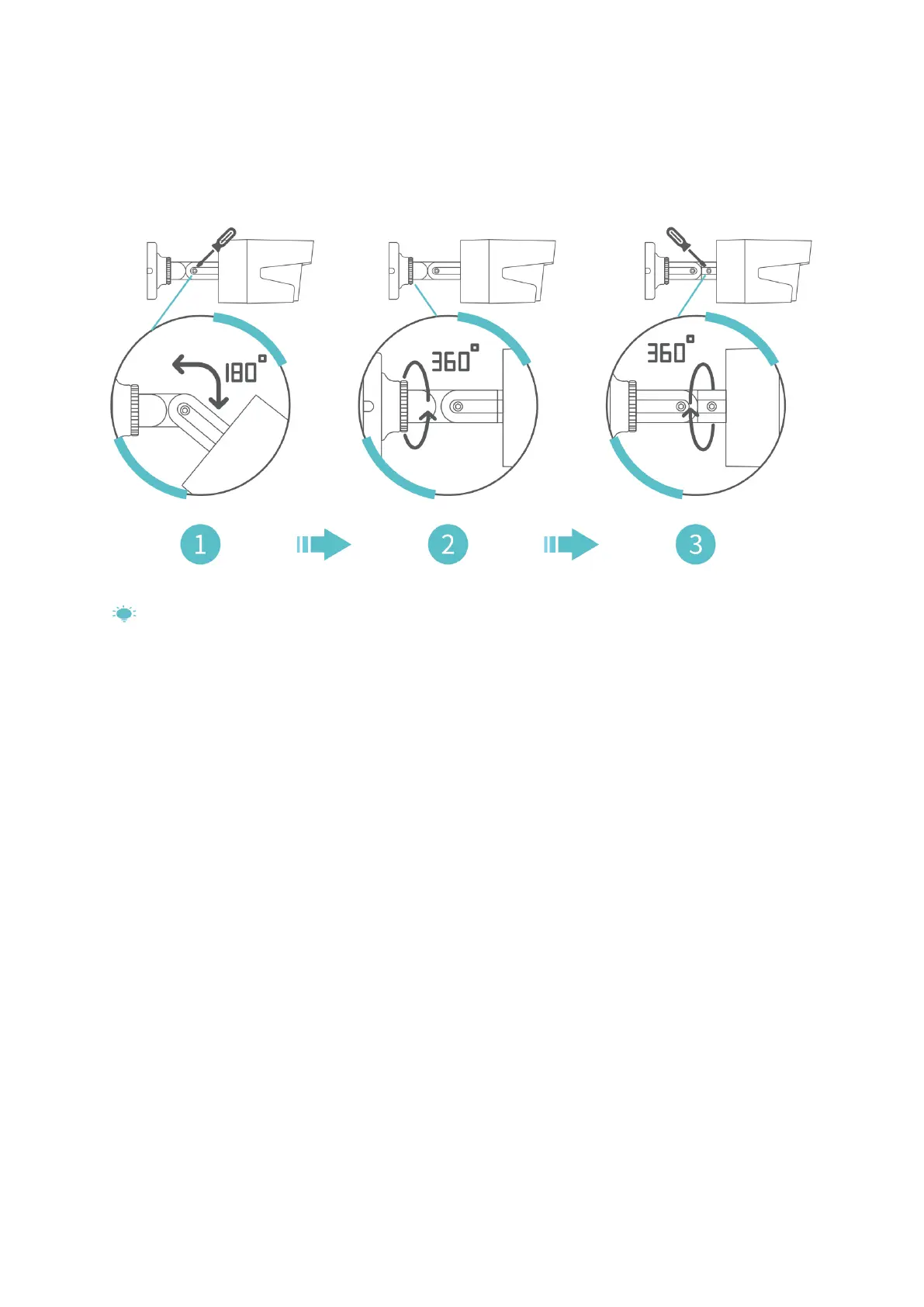
Step 3:
Loosen the screws on the camera to adjust the angle of the camera and tighten the
screws after the adjustment.
Tips:
1. For getting the best image, please don’t point the camera towards a light source.
2. Pointing the camera towards a window to see outside is not recommended, which
may result in poor image due to glare, reflection and other reasons.
3. Clean the lens of the camera regularly.
4. The camera can be used outdoors, but cannot be soaked in water. Please make sure
the waterproof connector is used correctly and the port of DC In is protected from
water.



 To Next Page