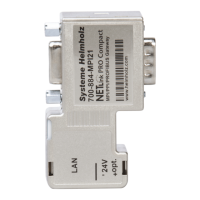
NETLink
®
PRO family Application Examples
3 Systeme Helmholz OPC-Server
V4.12.0.11527
The following steps must be performed in the described se-
quence (Version November 2017):
3.1
Configuration of the communication partner
Start the “Configuration S7-OPC Server” program module via
Start/Programs/Systeme Helmholz/S7-OPC-Server:
• Select tab card “Devices”.
• In this example, click device 0 and then select “S7-TCP/IP”
from the pull-down menu.
• Go to the tab “Connections” in the right sub window.
• Click „Change…“ to create a new connection.
It opens a new connection window



 To Next Page