Users Manual Henkovac 04-serie V2019
o To reset the service interval counters after the oil change: Start machine and while
the display shows the hours or cycles, press and hold the button
7.0 Programming the Machine
7.1 One-Program Control System
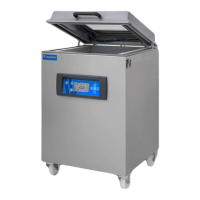
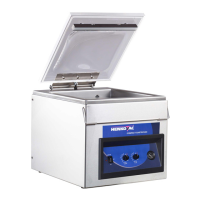
The One-Program control system is standard on the T2, T3, T4, T5, M1, M3 (with 21m
3
pump)
The One-Program control system is time-based
The Ten-Program control system (time or sensor) is optional for these models, except for T2
The One-Program control system provides only one program (P1)
There is no memory to store additional values
The machine starts with the values that were most-recently used
The pump starts upon closing of the cover and stops when it is reopened
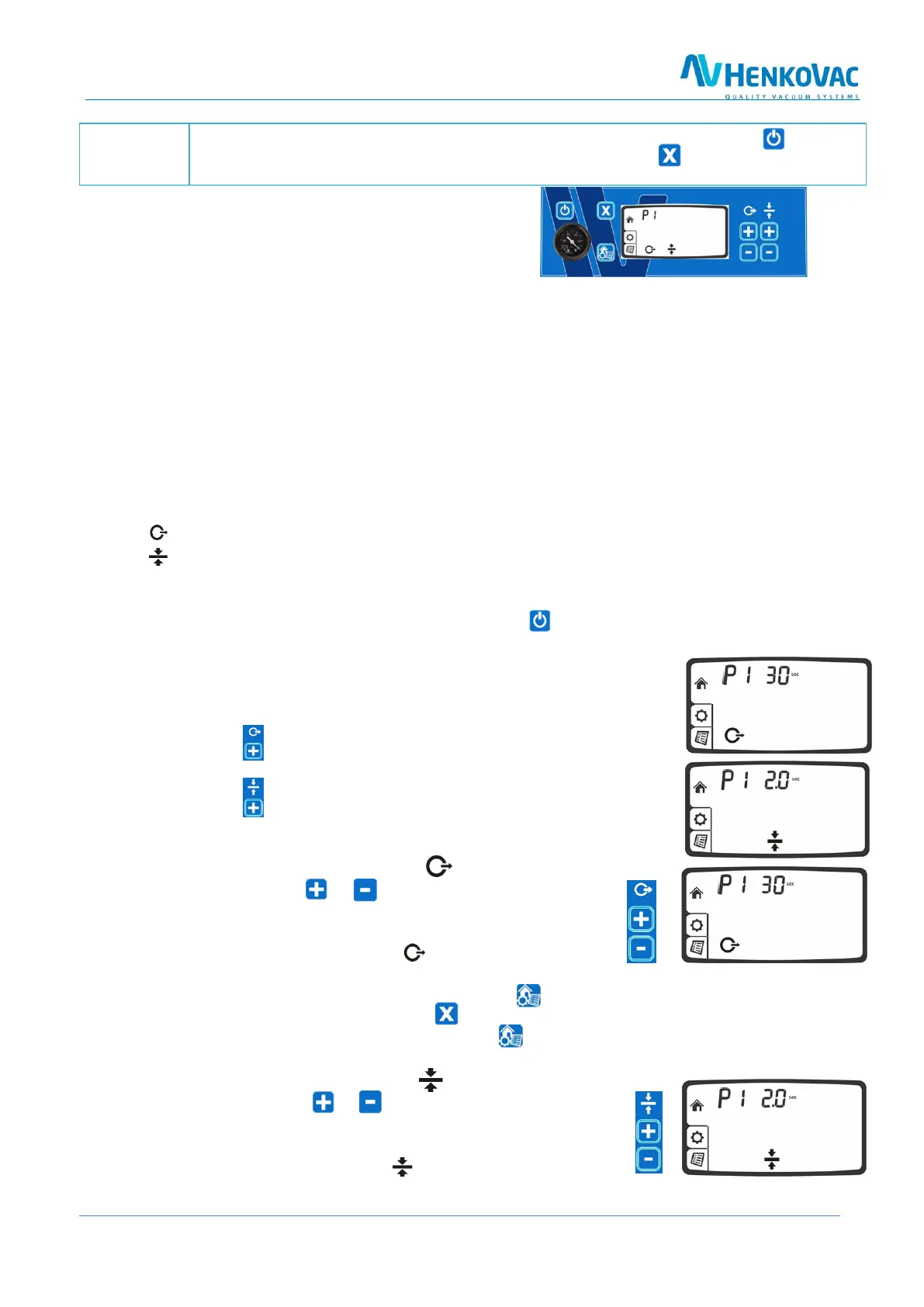
7.1.1 Programmable Functions
The following function values may be customized for P1:
Vacuum time: in seconds
Sealing time: in seconds
7.1.2 Programming
1. Turn the machine on by pressing the on/off button
a. The factory setting for the vacuum time is 30-40 seconds
b. The factory settings for the seal time is 2 seconds
7.1.3 Reviewing Vacuum Time and Sealing Time
1. Press the button to display the programmed vacuum time
the vacuum time is pre-set at the factory
2. Press the button to display the programmed sealing time
the sealing time is pre-set at the factory at 2 seconds
7.1.4 Adjusting Vacuum Time for P1
1. Press twice on the or button
o After pressing once, the programmed value
is displayed
o After pressing twice, the symbol will start blinking
and the value may be adjusted
2. Save the new value by pressing the menu button
3. To retain the original value, press the button
4. Exit the program by pressing the menu button
7.1.5 Adjusting Sealing Time for P1
1. Press twice on the or button
o After pressing once, the programmed value
is displayed
o After pressing twice, the symbol will start blinking
and the value may be adjusted



 To Next Page