Users Manual Henkovac 04-serie V2019
10.8 Soft-Air (option)
Only for Ten-Program machines with sensor-based control
Can be turned on or off in the Settings menu
After the vacuum and sealing process, the chamber is aerated and brought back to ambient air
pressure. Since this happens quickly, the packaging material conforms to the product quickly as well.
If the product has sharp edges, the packaging material may be punctured during this process.
With the Soft-Air feature, air is introduced into the vacuum chamber in a slower and controlled man-
ner. As a result, the packaging material gradually conforms to the product, thus avoiding damage. This
feature is either time or pressure-controlled. Machines with a Ten-Program control system can be ret-
ro-fitted with this feature.
10.9 Multi-Cycle
Only for Ten-Program machines with sensor-based control
Can be turned on or off in the Settings menu
Only in combination with MAP gassing
This option minimizes the amount of oxygen in the product. The machine vacuates and gases the
package several times in a row, thus flushing air and oxygen from the chamber and the package.
This feature is used for delicate products that do not permit vacuation down to 5 mbar, while at the
same time requiring a low oxygen content.
10.10 Cool-Down/Oil Dehumidification of the vacuum pump
During the vacuum process, moisture is removed from the product through evaporation. This moisture
can be absorbed by the oil of the vacuum pump. Too much moisture in the oil will reduce the effec-
tiveness of the pump. In addition, it will reduce the lubrication properties of the oil, affecting the lon-
gevity of the pump. Heat and ventilation will dissipate this moisture, for which reason it is important
to let the pump run for some time at the end of production.
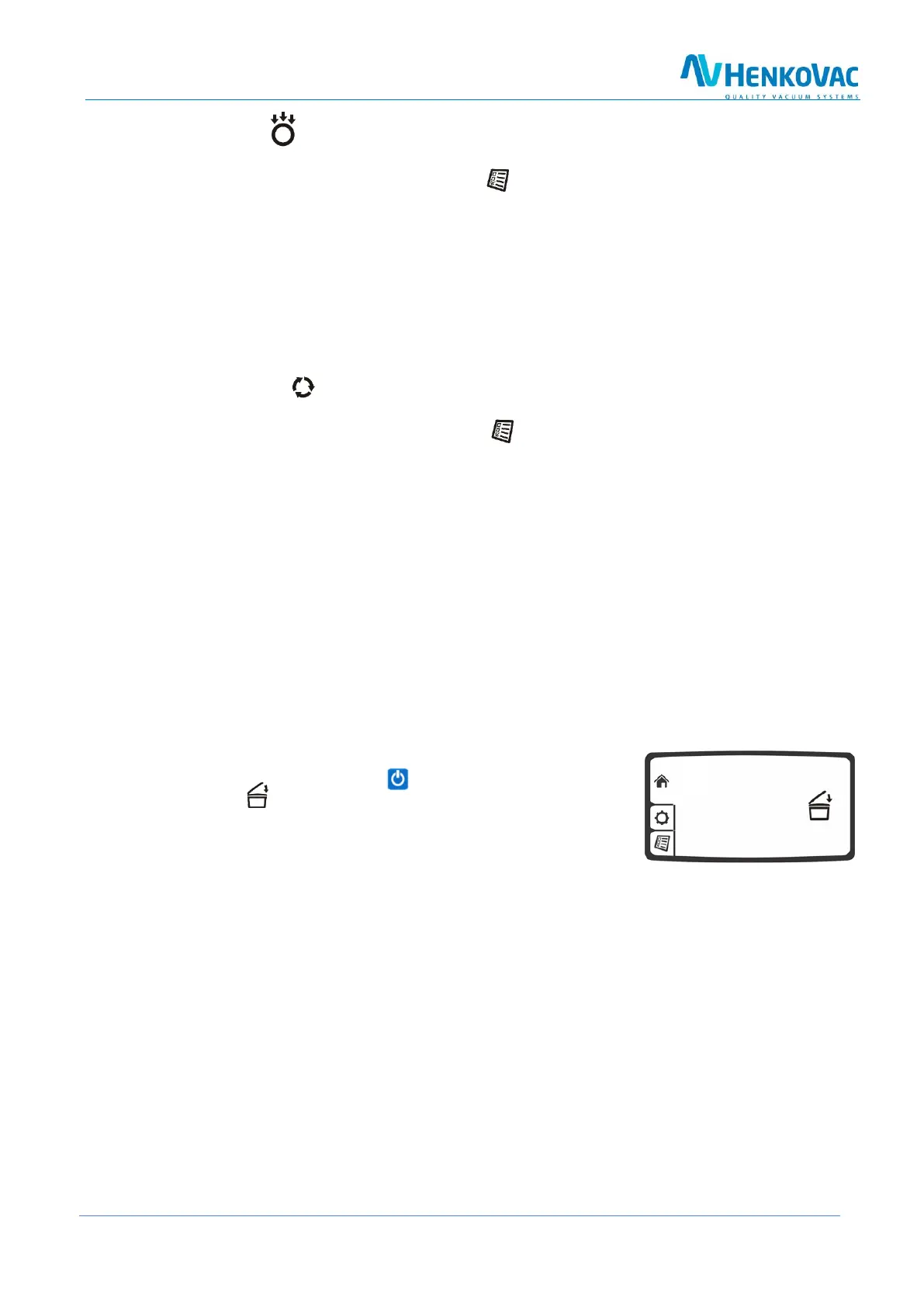
Turn the machine off with the button and close the cover
when the symbol starts blinking. The pump will continue to run
for some time, before turning off automatically. This allows
any moisture in the oil of the pump to evaporate



 To Next Page