Ex manual Rev 0 - Oct 29, 2014 15
2.2.2. Plugging the Control Cable
Take hold of the control cable and identify the end connector with female contacts
corresponding to the receiver. Connect this plug to the corresponding connector at the
receiver unit.
Switch off the transmitter by rotating the key switch to the “0” position and unscrew the blind
cap of the connector at the transmitter.
Take the other end of the control cable with pin contacts and insert this into the female plug
at the transmitter unit and lock it in place.
You can now switch on the transmitter unit again. The control of the machine is now done by
control cable.
Note: The transmitter automatically switches off the radio transmission when control cable is
detected.
2.3. Control elements
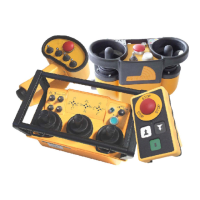
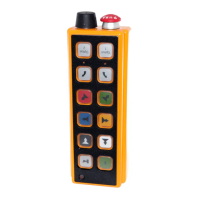
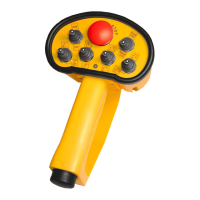
Please refer to the transmitter and receiver diagram included with these operating instructions for the
control element arrangement of your radio remote control system. The diagram forms an integral part
of these operating instructions.
The following is a description of those control elements that are standard on HETRONIC radio
remote control systems.
2.4. Operation
Before you use the system, you must carry out the safety
checks described in sections 2.4.1. and 2.4.2. below. These
safety checks must be carried out at least once each day
before you start using the system or before each change of
shift.





 To Next Page