Control Panel User Manual
94
4.2 User Registration and Login
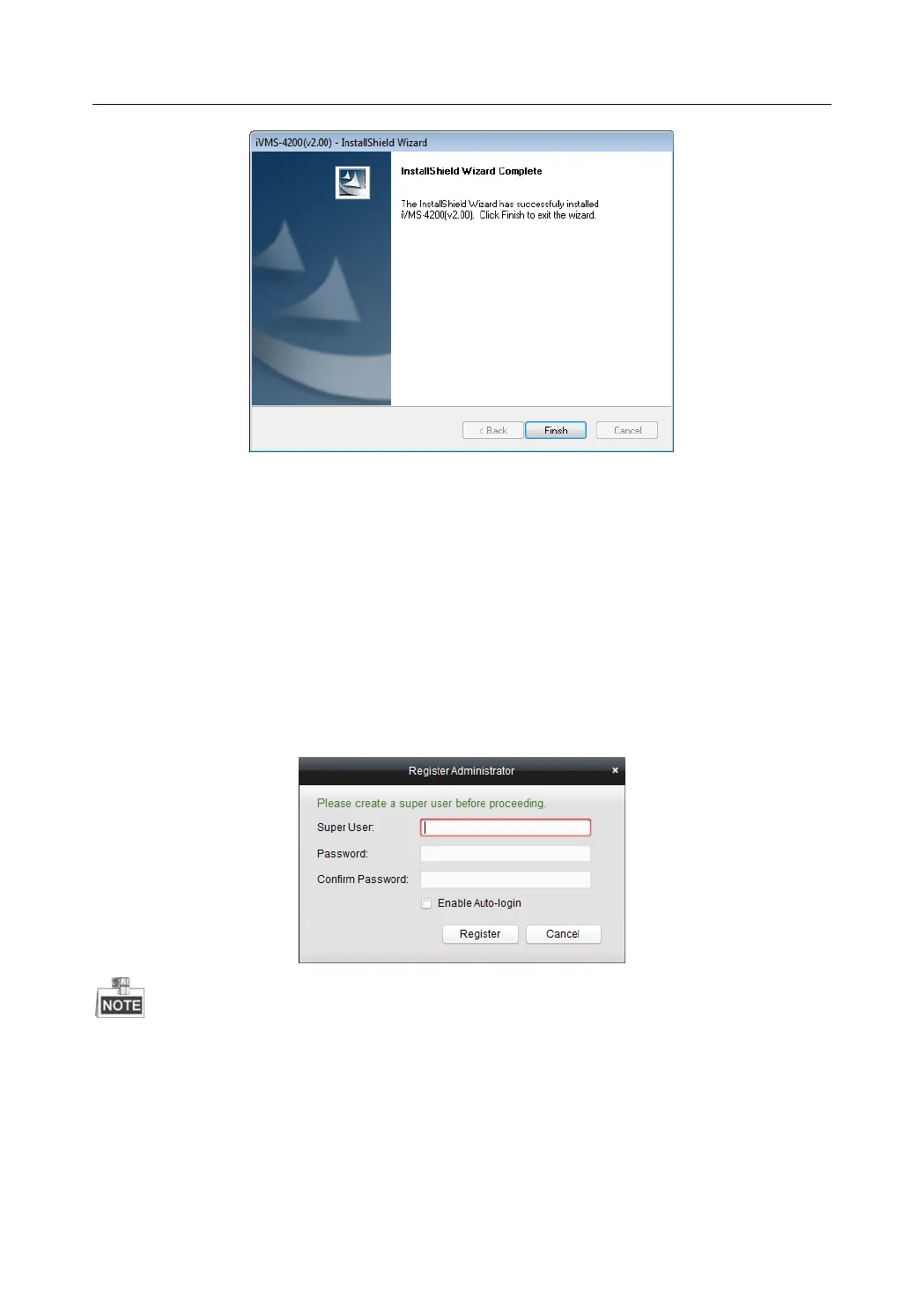
For the first time to use iVMS-4200 software, you need to register a super user for login.
Steps:
1. Input the super user name and password.
2. Confirm the password.
3. Optionally, check the checkbox of Enable Auto-login to log in the software automatically.
4. Click Register. Then, you can log in the software as the super user.
A user name cannot contain any of the following characters: / \ : * ? “ < > |
The password cannot be empty and the length of the password should be no less than six
characters.


 To Next Page
 Loading...