4.3.2 Congure a Port
Steps
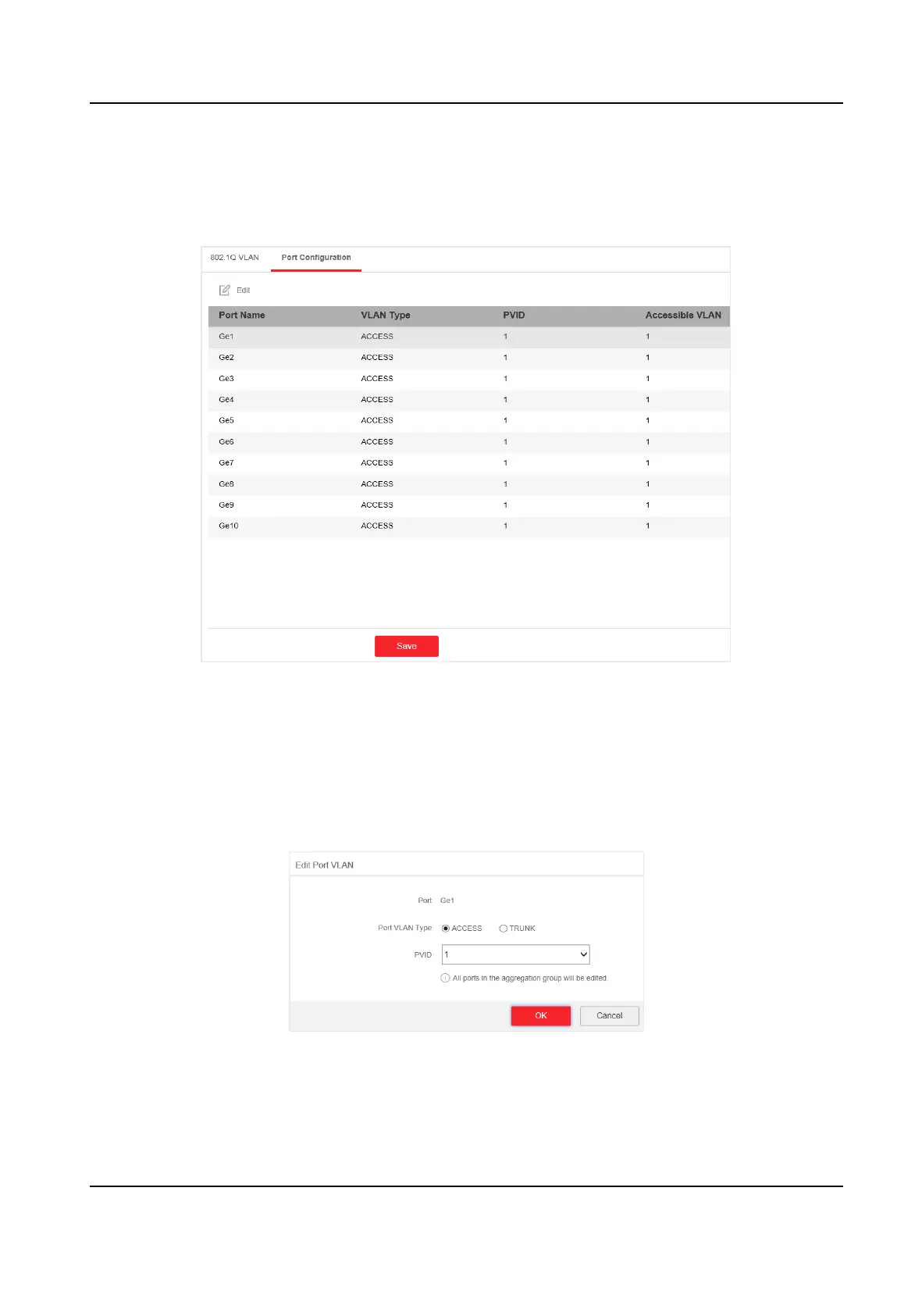
1. Select a port to
congure on the Port Conguraon page.
Figure 4-10 VLAN Port Conguraon
2. Click Edit.
3.
Congure the port VLAN.
-
Access Port
• An access port transports
trac to and from only the specied VLAN, usually the
default VLAN, VLAN 1.
• Select Port VLAN Type as ACCESS, and select the PVID.
Figure 4-11 Edit an Access Port VLAN
Gigabit PoE Switch Web User Manual
15


 To Next Page
 Loading...