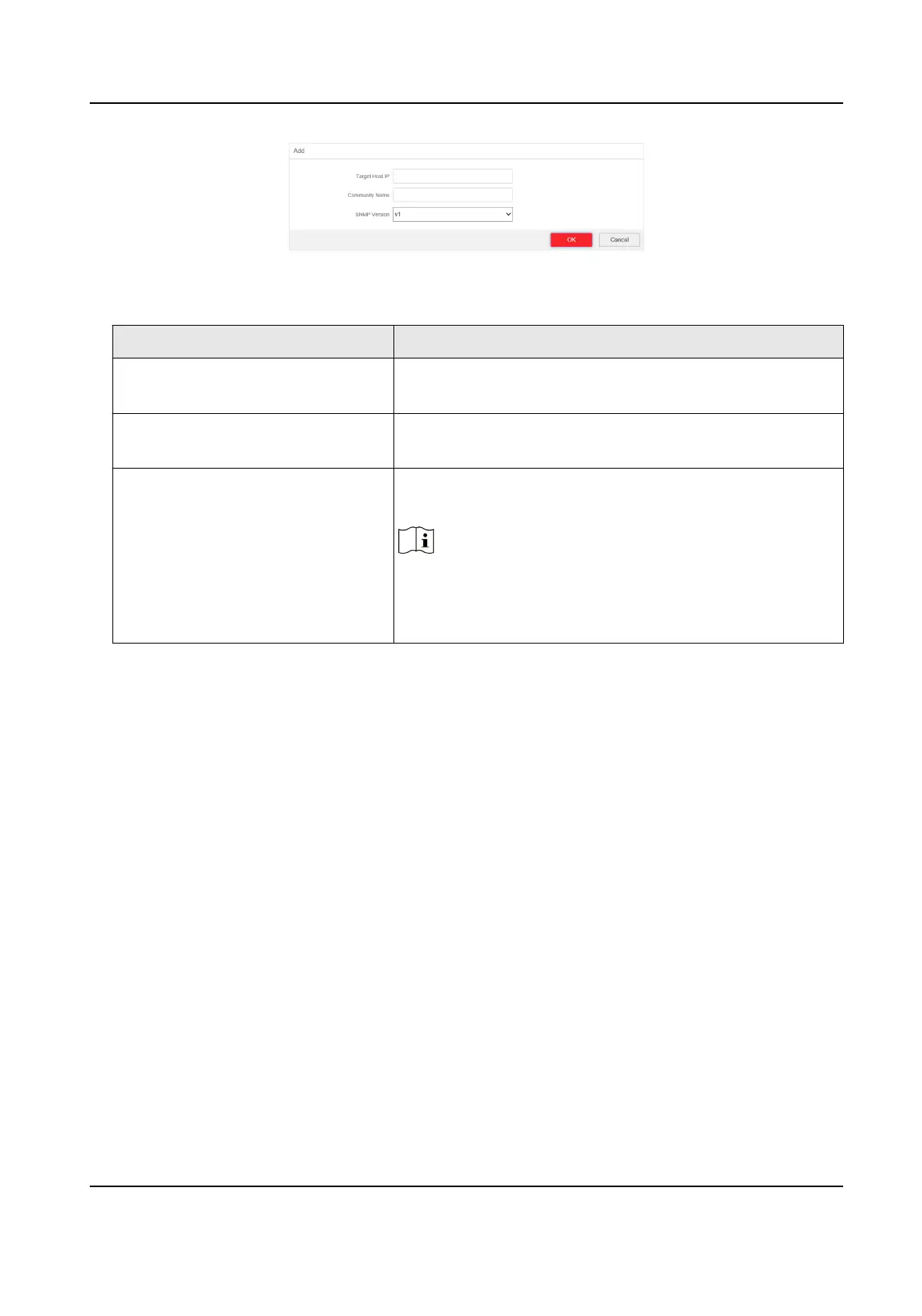
Figure 4-17 Add a Trap
Table 4-3 Parameters of a Trap
Parameter Descripon
Target Host IP The IP address of NMS. It cannot be the broadcast or
mulcast address.
Community Name The password used for authencaon. Up to 32 bytes can
be set.
SNMP Version The Agent supports SNMP Version 1 (SNMPv1) and SNMP
Version 2c (SNMPv2c).
Note
The prerequisite of successful connecon between NMS
and Agent is that the SNMP version of NMS and Agent
must be the same.
3. Click OK.
4. Click Save to add a trap.
5.
Oponal: You can check the trap and click Delete to delete a trap.
4.6 STP
Conguraon
Spanning-Tree Protocol (STP) is a Layer 2 link management protocol that provides path redundancy
while prevenng loops in the network. The STP uses a spanning-tree algorithm to select one switch
as the root of a spanning tree. STP determines the topology by
transming Bridge Protocol Data
Unit (BPDU) packets between devices. Spanning-tree operaon creates a stable network.
4.6.1 Global
Conguraon
Steps
1. Go to Switch Conguraon → L2 Conguraon → STP Conguraon → Global Conguraon .
2. Check Enable STP.
Gigabit PoE Switch Web User Manual
20


 To Next Page
 Loading...