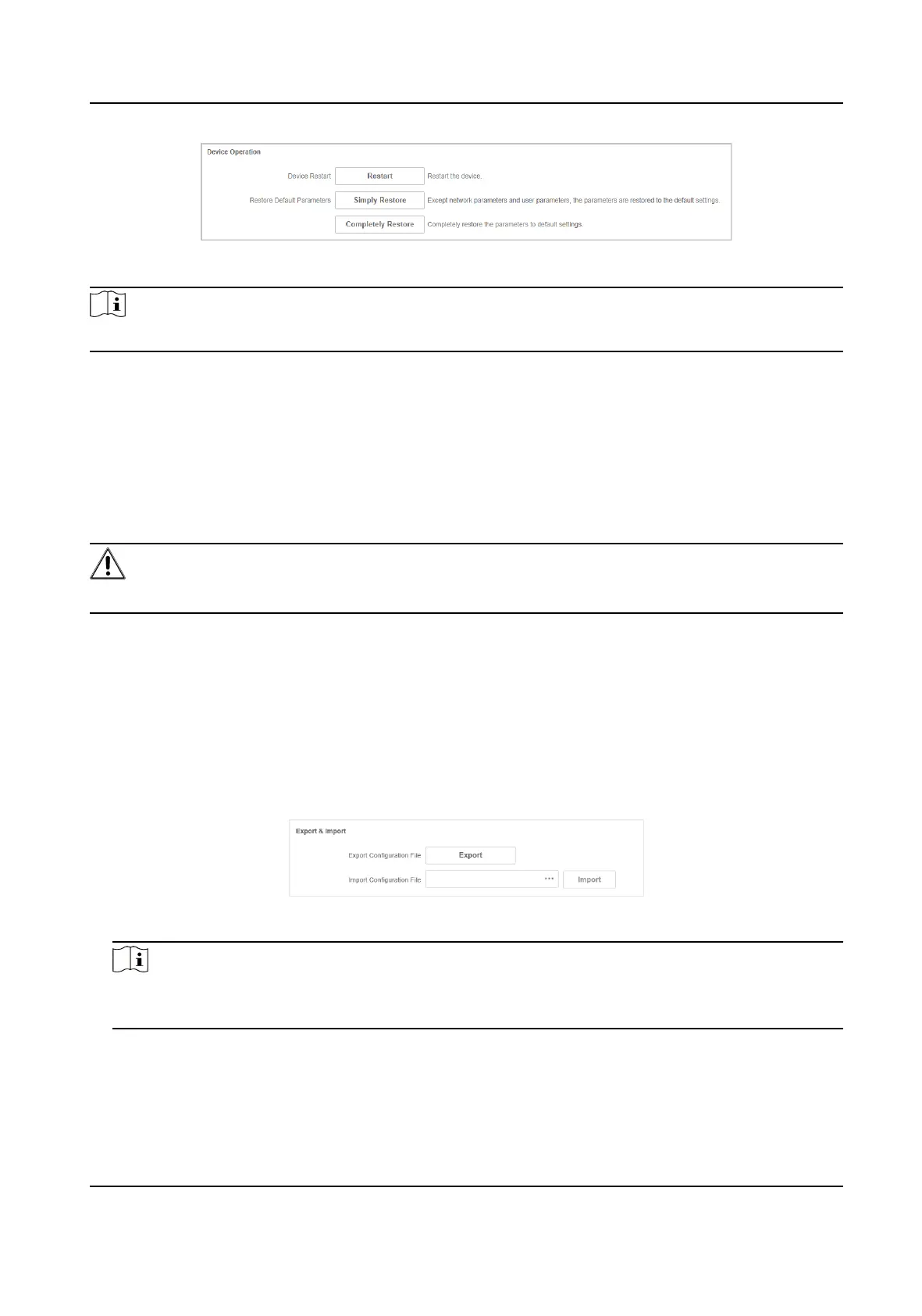
Figure 5-4 Device Operaon
Note
Enter the login page automacally aer you restart or restore the switch.
Restart
Click Restart to remotely restart the switch.
Restore
• Simply Restore: Except network conguraon and user parameters, all of the other parameters
are restored to the default sengs.
• Completely Restore: Completely restore the parameters to default sengs.
Cauon
Parameters cannot be recovered aer being restoring to default sengs.
5.3 Conguraon File Export
You can export the conguraon le for local backup.
Steps
1. Go to System Management → System Maintenance → Export & Import .
2. Click Export.
3. Set a password for the exported
conguraon le.
Figure 5-5 Export
Conguraon le
Note
Please remember the password, because you need to enter the password when imporng the
conguraon les.
4. Click OK.
Gigabit PoE Switch Web User Manual
27


 To Next Page
 Loading...