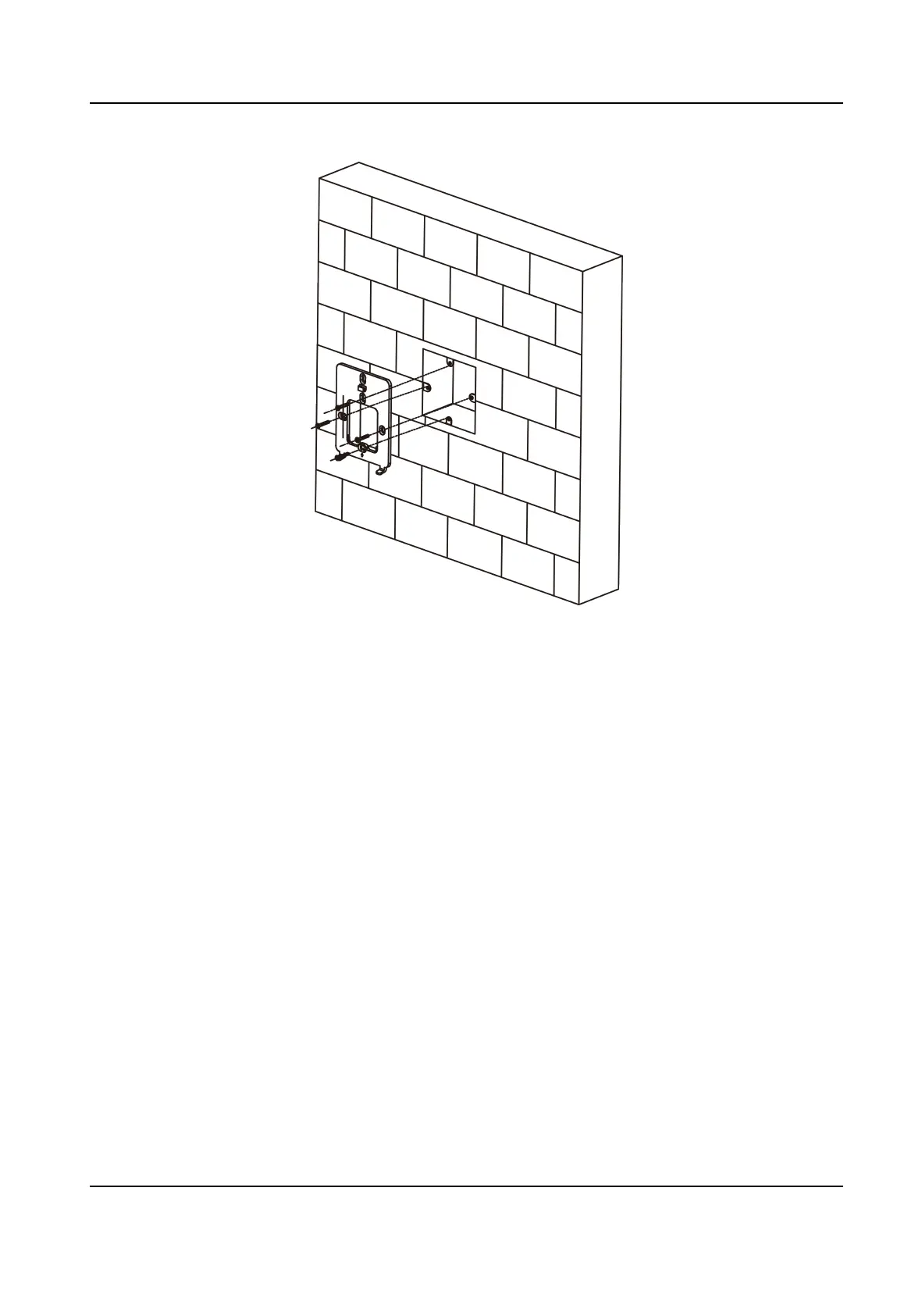
Figure 3-2 Install Mounng Plate
3.
Route the cables through the cable hole of the mounng plate, and connect to the
corresponding peripherals cables.
4.
Buckle into the
mounng plate aer aligning the device with the mounng plate. Use 1 supplied
screw (M3) to secure the device on the
mounng plate.
DS-K1T6QT-F43 Series Face Recognion Terminal User Manual
6



 To Next Page
 Loading...