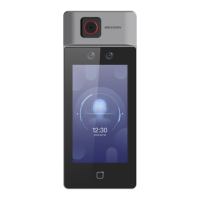
-
If disable DHCP, you should enter the IP address, the subnet mask, and the gateway manually.
6.
Tap OK to save the sengs and go back to the Wi-Fi tab.
7.
Tap to save the network parameters.
7.2.3 Set RS-485 Parameters
The face recognion terminal can connect external secure door control unit or card reader via the
RS-485 terminal.
Steps
1.
Tap Comm. (Communicaon Sengs) on the Home page to enter the Communicaon Sengs
page.
2.
On the Communicaon Sengs page, tap RS-485 to enter the RS-485 tab.
DS-K1T6QT-F43 Series Face Recognion Terminal User Manual
41



 To Next Page
 Loading...