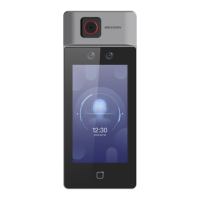
Figure 7-5 Wi-Fi Sengs
3.
Enable the Wi-Fi funcon.
4.
Congure the Wi-Fi parameters.
-
Select a Wi-Fi from the list, and enter the Wi-Fi's password. Tap OK.
-
If the target Wi-Fi is not in the list,tap Add Wi-Fi. Enter the Wi-Fi's name and password. And
tap OK.
Note
Only digits, leers, and special characters are allowed in the password.
5.
Set the Wi-Fi's parameters.
-
By default, DHCP is enable. The system will allocate the IP address, the subnet mask, and the
gateway automacally.
DS-K1T6QT-F43 Series Face Recognion Terminal User Manual
40



 To Next Page
 Loading...