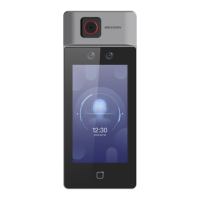
Figure 8-12 Linked Network Sengs
Set the video intercom server IP and main staon's IP.
Tap Save.
Press
Buon to Call
Steps
1.
Tap
Conguraon → Intercom → Press Buon to Call to enter the sengs page.
2.
Set the buon to call.
-
Check Call Indoor Staon and set the indoor staon No to set the buon to call indoor
staon.
-
Check Call Management Center to set the buon to call management center.
8.4.8 Access Control
Sengs
Set Door Parameters
Tap Conguraon → Access Control → Door Parameters .
DS-K1T6QT-F43 Series Face Recognion Terminal User Manual
91



 To Next Page
 Loading...