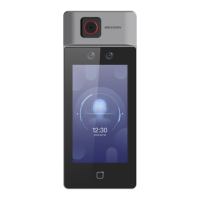
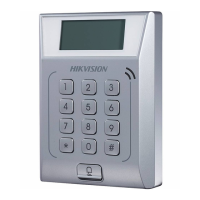
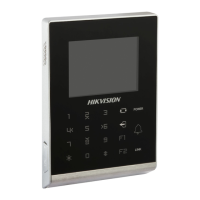
Figure 8-11 Device ID Sengs (Outer Door Staon)
Outer Door Staon No.
If you select outer door staon as the device type, you should enter a number between 1 and
99.
Note
If you change the No., you should reboot the device.
Congure SIP Parameters
Set the device's IP address and the SIP server's IP address. Aer seng the parameters, you can
communicate among the access control device, door staon, indoor staon, main staon, and the
plaorm.
Note
Only the access control device and other devices or systems (such as door staon, indoor staon,
main staon, plaorm) are in the same IP segment, the two-way audio can be performed.
Tap Conguraon → Intercom → Linked Network Sengs .
DS-K1T6QT-F43 Series Face Recognion Terminal User Manual
90



 To Next Page
 Loading...