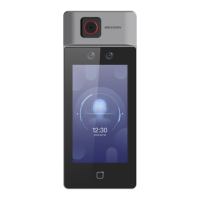
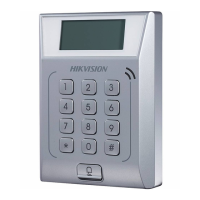
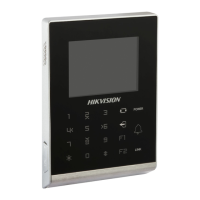
Figure 7-10 Basic Sengs Page
Shortcut Key
Choose the shortcut key that displayed on the authencaon page, including the QR code
funcon, the call funcon, call type, and the password entering funcon.
Note
●
If the combinaon authencaon of face and QR code is supported, and the QR code
shortcut key is disabled ( there is no QR code shortcut key icon in the authencaon page),
you can scan the QR code in the middle of the authencaon page to authencate.
●
You can select call type from Call Room, Call Center, and Call
Specied Room No.
DS-K1T6QT-F43 Series Face Recognion Terminal User Manual
58



 To Next Page
 Loading...