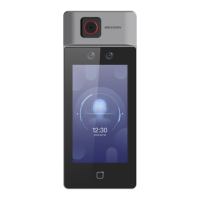
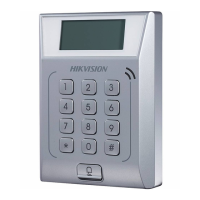
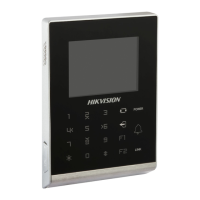
Figure 8-7 Card Security
Set the parameters and click Save.
Enable NFC Card
In order to prevent the mobile phone from
geng the data of the access control, you can
enable NFC card to increase the security level of the data.
Enable M1 Card
Enable M1 card and authencateing by presenng M1 card is available.
M1 Card Encrypon
M1 card encrypon can improve the security level of authencaon.
Sector
Enable the funcon and set the encrypon sector. By default, Sector 13 is encrypted. It is
recommended to encrypt sector 13.
Enable EM Card
Enable EM card and
authencang by presenng EM card is available.
Note
If the peripheral card reader supports presenng EM card, the funcon is also supported to
enable/disable the EM card funcon.
DS-K1T6QT-F43 Series Face Recognion Terminal User Manual
83



 To Next Page
 Loading...