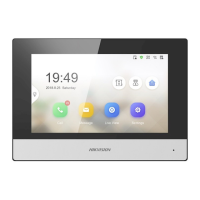
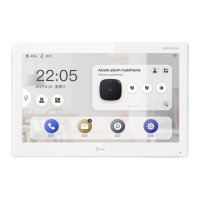
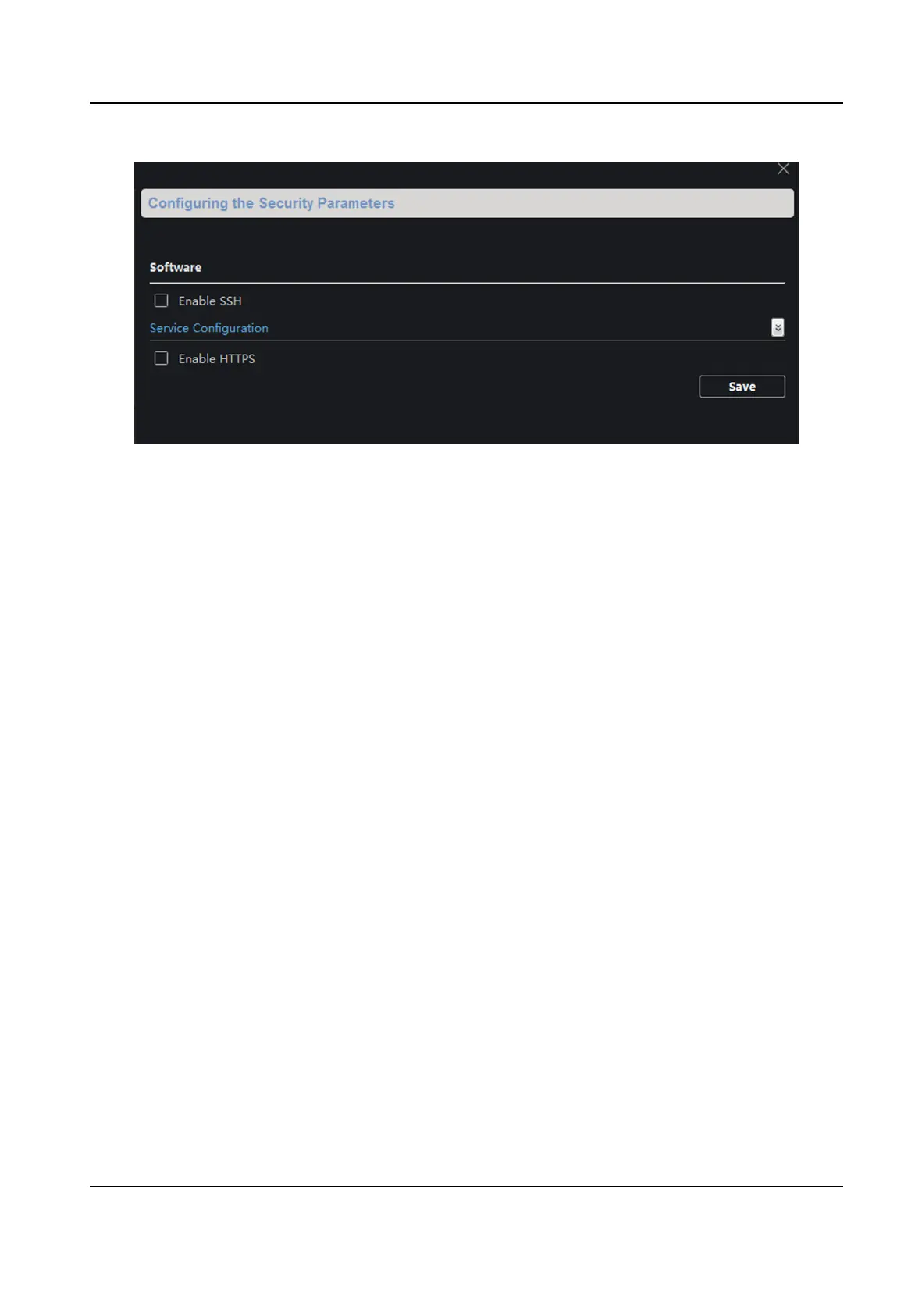
Figure 4-8 Security
4.3.2 Video Intercom
Click Video Intercom on the remote conguraon page to enter the video intercom parameters
sengs: Time Parameters, Password, Zone Conguraon, IP Camera Informaon, Volume Input
and Output Conguraon, Ring, Arming Informaon, Calling Linkage, Relay, and SIP No.
Time Parameters
Steps
1.
Click Time Parameters to enter me parameters sengs page.
Network Indoor Staon Conguraon Guide
50


 To Next Page
 Loading...