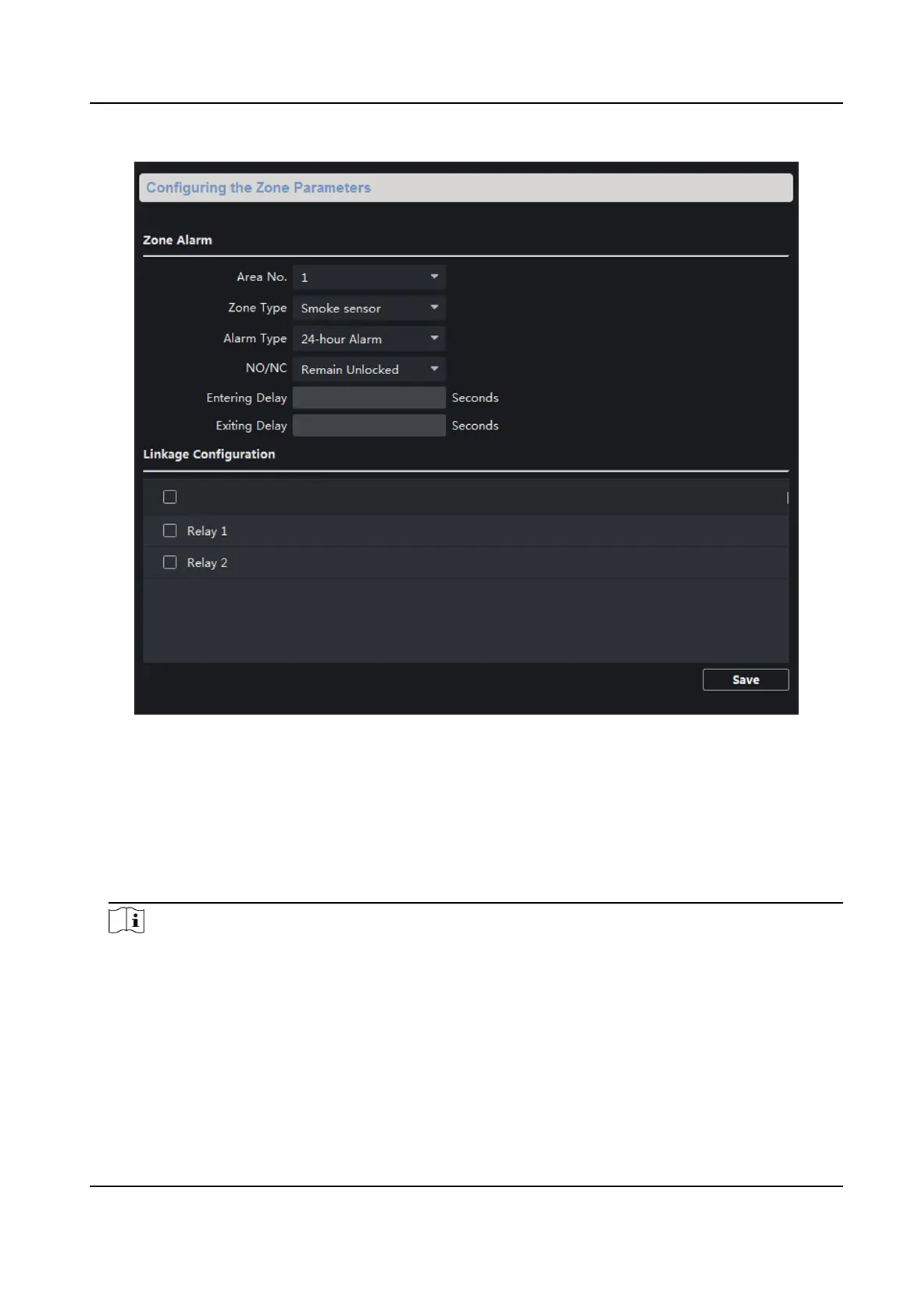
Figure 4-11 Zone Alarm
2.
Select Area No.
3.
Select Zone Type from the drop-down list.
4.
Select Alarm Type from the drop-down list.
5.
Set the NO/NC status.
6.
Set Entering Delay and
Exing Delay.
7.
Click Save to enable zone sengs.
Note
●
7 zone types are supported: Emergency Switch, Door Magnec Switch, Smoke Detector, Acve
IR Detector, Passive IR Detector, Combusble Gas Detector, and DoorBell Switch.
●
3 types of alarm mode are supported: Instant Alarm, 24H Alarm, and Delay Alarm.
●
When the zone type is set to be Instant Alarm, only under arming mode, the indoor
staon
will receive alarm message when the detector is triggered. Under disarming mode, it will not
receive alarm message when the detector is triggered.
Network Indoor Staon Conguraon Guide
53


 To Next Page
 Loading...