User Manual of Network Video Recorder - User Manual
117
4. Click Export button to start exporting.
5. After the exporting is complete, click OK to finish the packet export,
Note:
Up to 1M data can be exported each time.
8.4.3 Checking the Network Status
Purpose:
You can also check the network status and quick set the network parameters in this interface.
Steps:
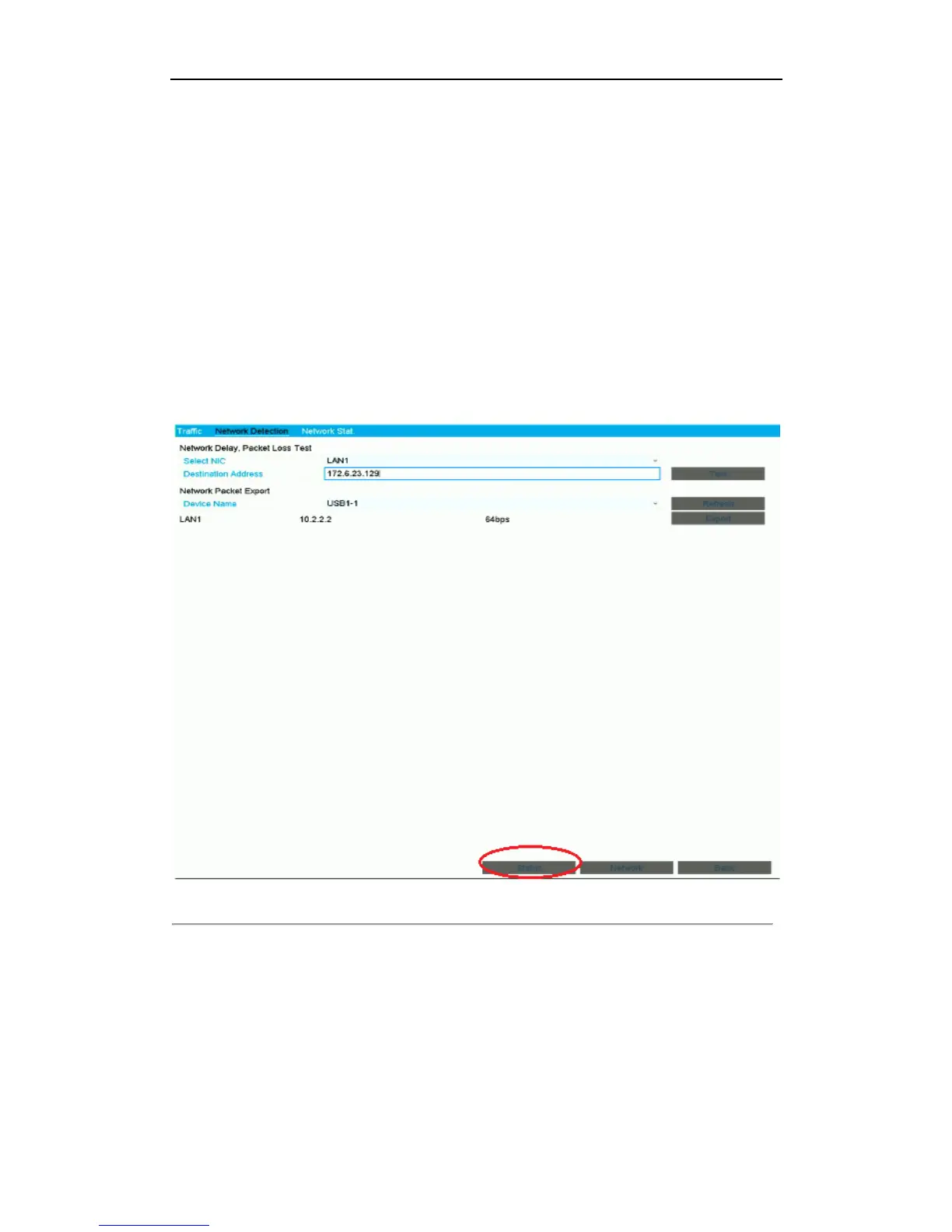
Click the Status button on the lower- right corner of the page.
Figure 8. 22 Network Status Checking
If the network is normal the ‘Network is normal’ box pops out.
If the message box pops out with other information instead of this one, you can click Network button to
show the quick setting interface of the network parameters.



 To Next Page