User Manual of Network Video Recorder - User Manual
75
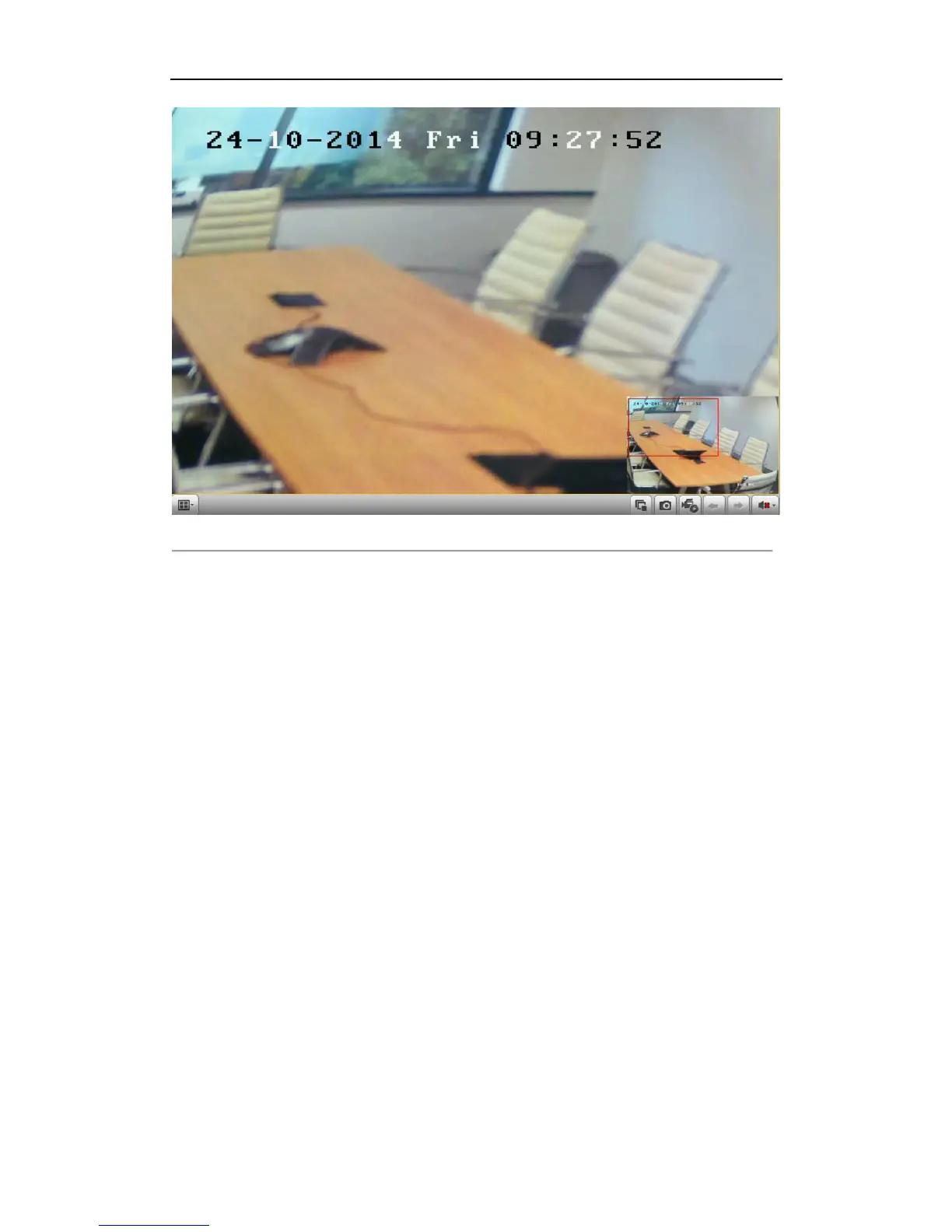
Figure 5. 21 Draw Area for Digital Zoom
3. Right-click the image to exit the digital zoom interface.
5.2.3 Reverse Playback of Multi-channel
Purpose:
You can play back record files of multi-channel reversely. Up to 16-ch (with 1280*720 resolution) simultaneous
reverse playback is supported; up to 4-ch (with 1920*1080P resolution) simultaneous reverse playback is
supported and up to 1-ch (with 2560*1920 resolution) reverse playback is supported.
Steps:
1. Enter Playback interface.
Menu>Playback
2. Check more than one checkboxes to select multiple channels and click to select a date on the calendar.



 To Next Page