User Manual of Network Video Recorder - User Manual
35
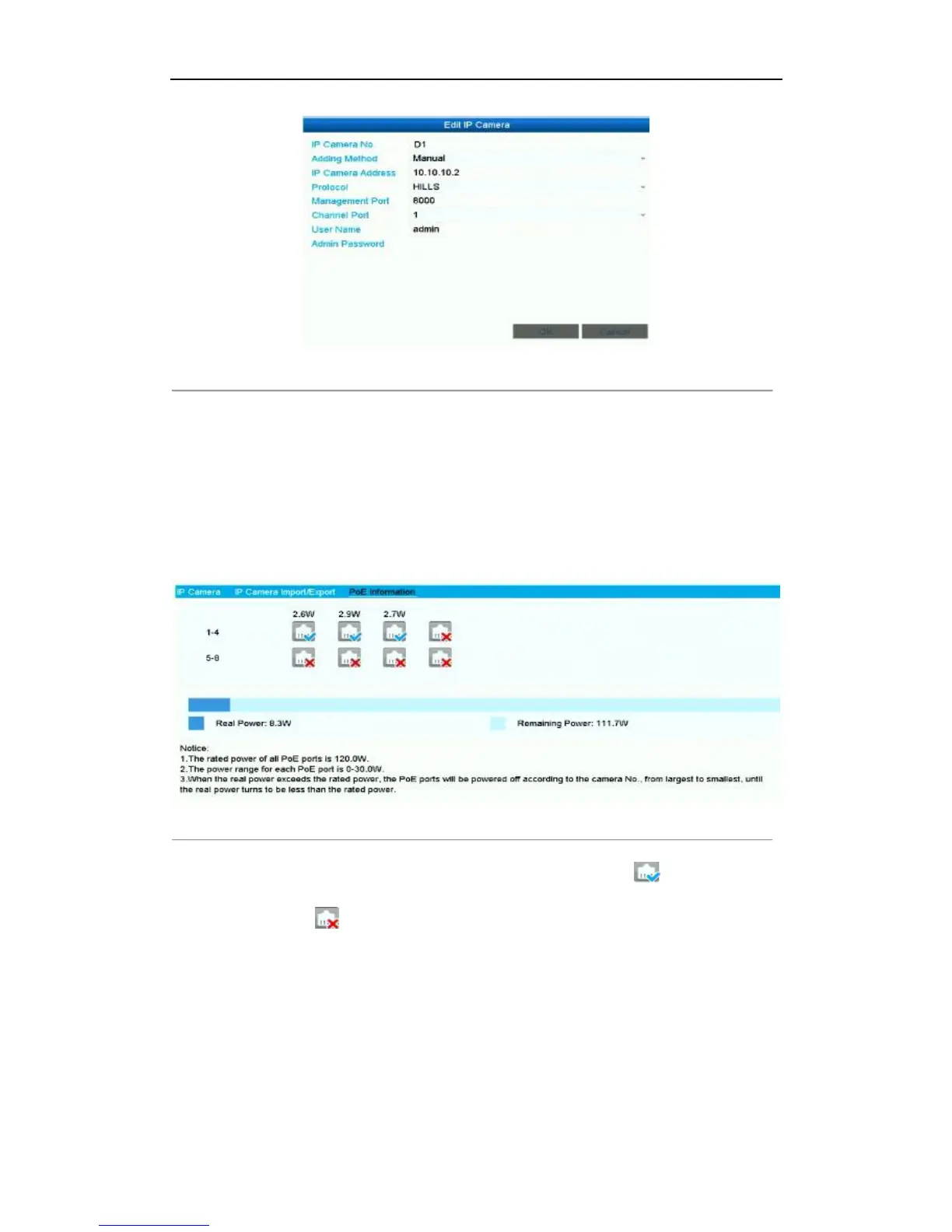
Figure 2. 19 Edit IP Camera Interface - Manual
2.3.4 Checking the PoE Information
Steps:
1. Enter the Camera Management interface.
Menu> Camera> Camera
2. Click the PoE Information tab to view the PoE status.
Figure 2. 20 PoE Information Interface
3. You can see the PoE connection status: the connected PoE port is displayed as , and the disconnected
one is displayed as . Besides, the power cunsumption of each port and all ports are also be clearly
displayed.



 To Next Page