User Manual of Network Video Recorder - User Manual
140
11.5 Upgrading System
Purpose:
The firmware on your NVR can be upgraded by local backup device or remote FTP server.
11.5.1 Upgrading by Local Backup Device
Steps:
1. Connect your NVR with a local backup device where the update firmware file is located.
2. Enter the Upgrade interface.
Menu >Maintenance>Upgrade
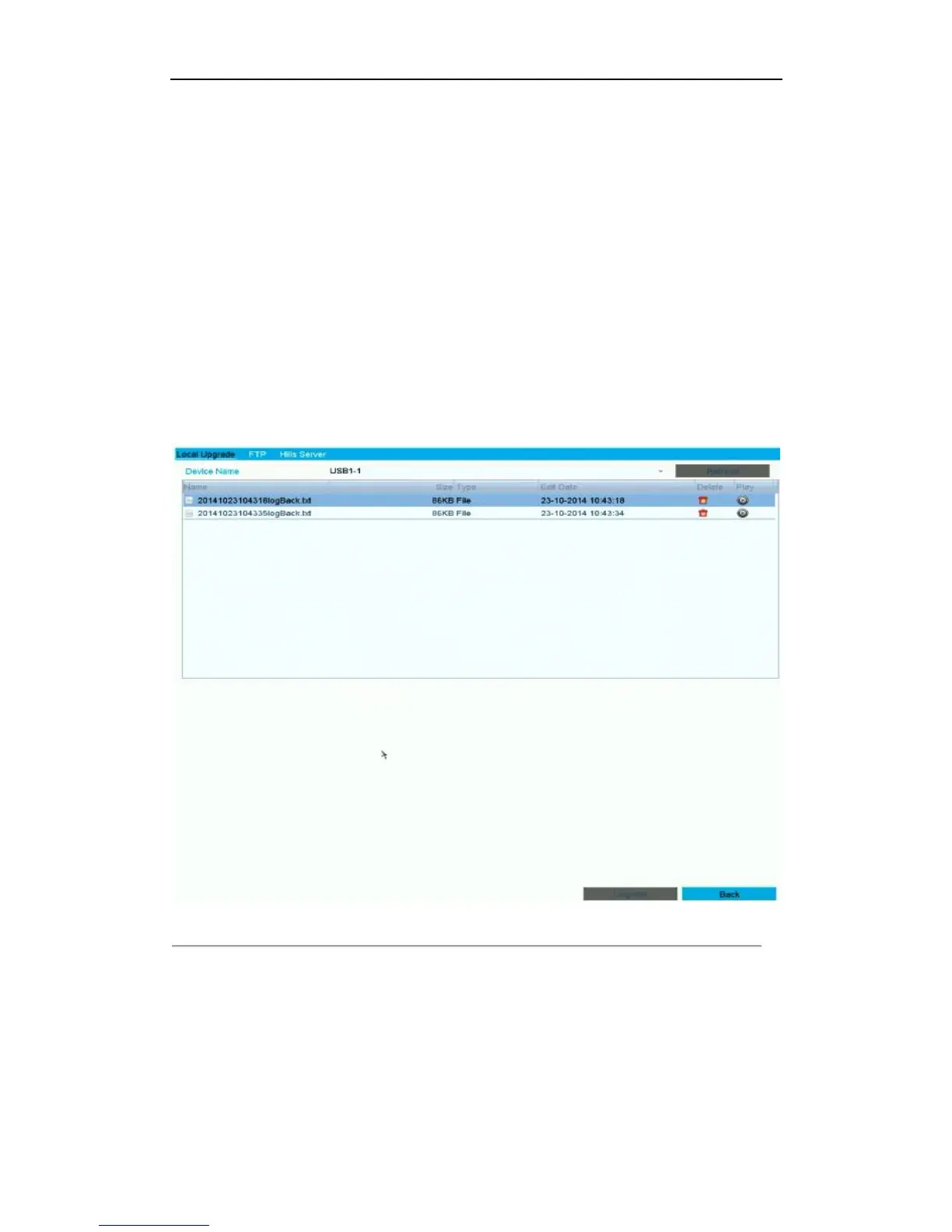
3. Click the Local Upgrade tab to enter the local upgrade menu, as shown below.
Figure 11. 12 Local Upgrade Interface
4. Select the update file from the backup device.
5. Click the Upgrade button to start upgrading.
6. After the upgrading is complete, reboot the NVR to activate the new firmware.



 To Next Page