User Manual of Network Video Recorder - User Manual
145
12.3 Configuring DST Settings
Steps:
1. Enter the General Settings interface.
Menu >Configuration>General
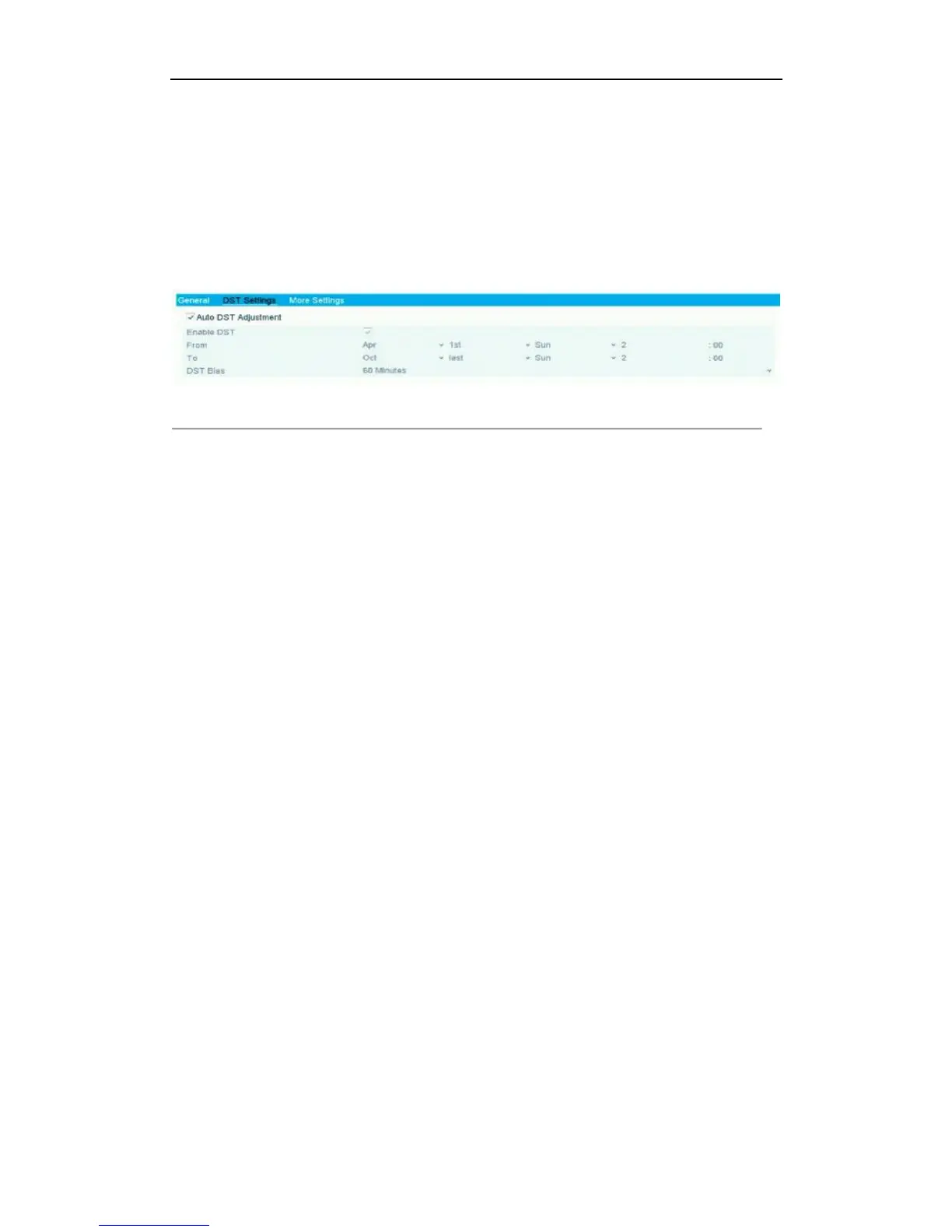
2. Choose DST Settings tab.
Figure 12. 3 DST Settings Interface
You can check the checkbox before the Auto DST Adjustment item.
Or you can manually check the Enable DST checkbox, and then you choose the date of the DST period.



 To Next Page