User Manual of Network Video Recorder - User Manual
43
3.4 User Logout
Purpose:
After logging out, the monitor turns to the live view mode and if you want to do some operation, you need to enter
user name and password tog in again.
Steps:
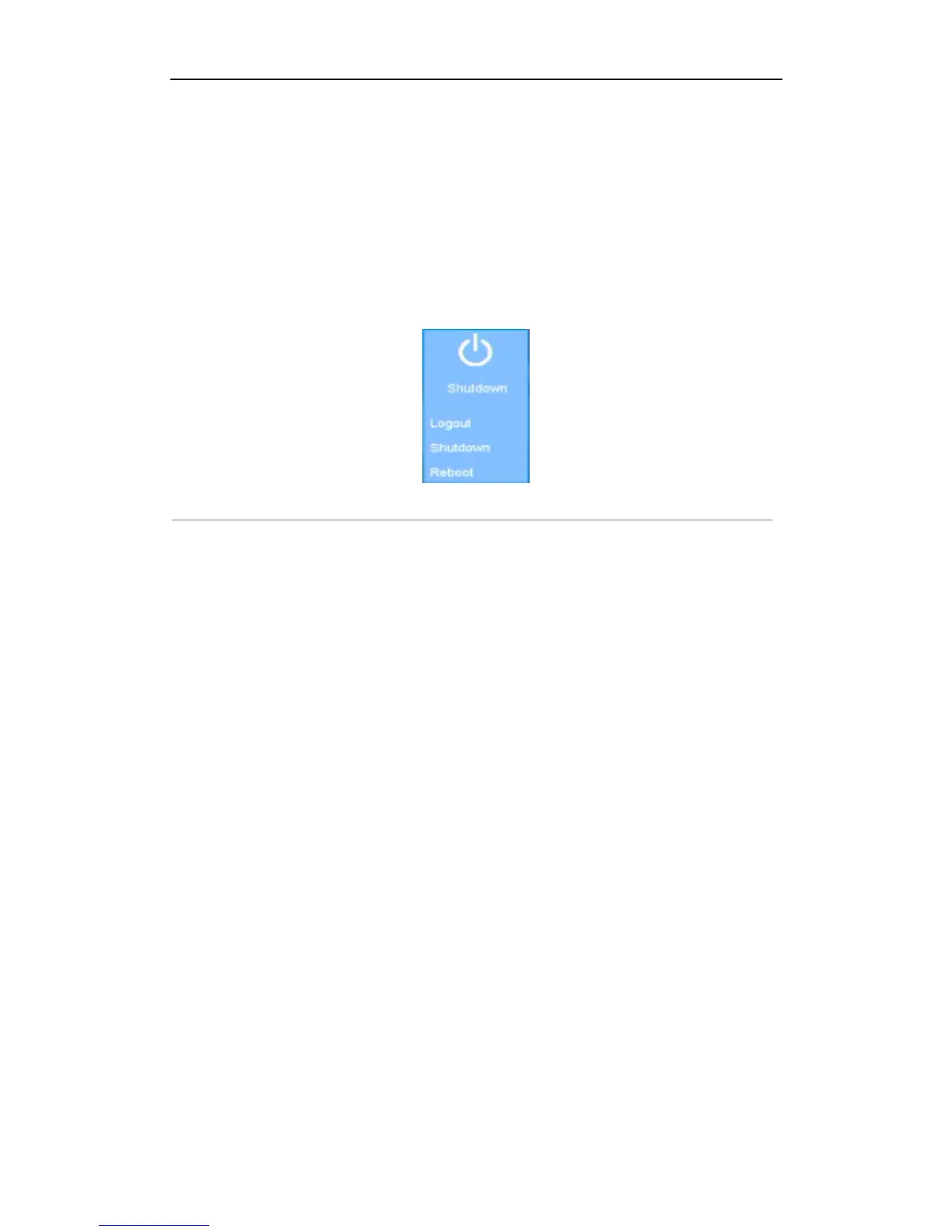
1. Enter the Shutdown menu.
Menu>Shutdown
Figure 3. 9 Shutdown
2. Click Logout.
Note:
After you have logged out the system, menu operation on the screen is invalid. It is required to input a
user name and password to unlock the system.



 To Next Page