User Manual of Network Video Recorder - User Manual
72
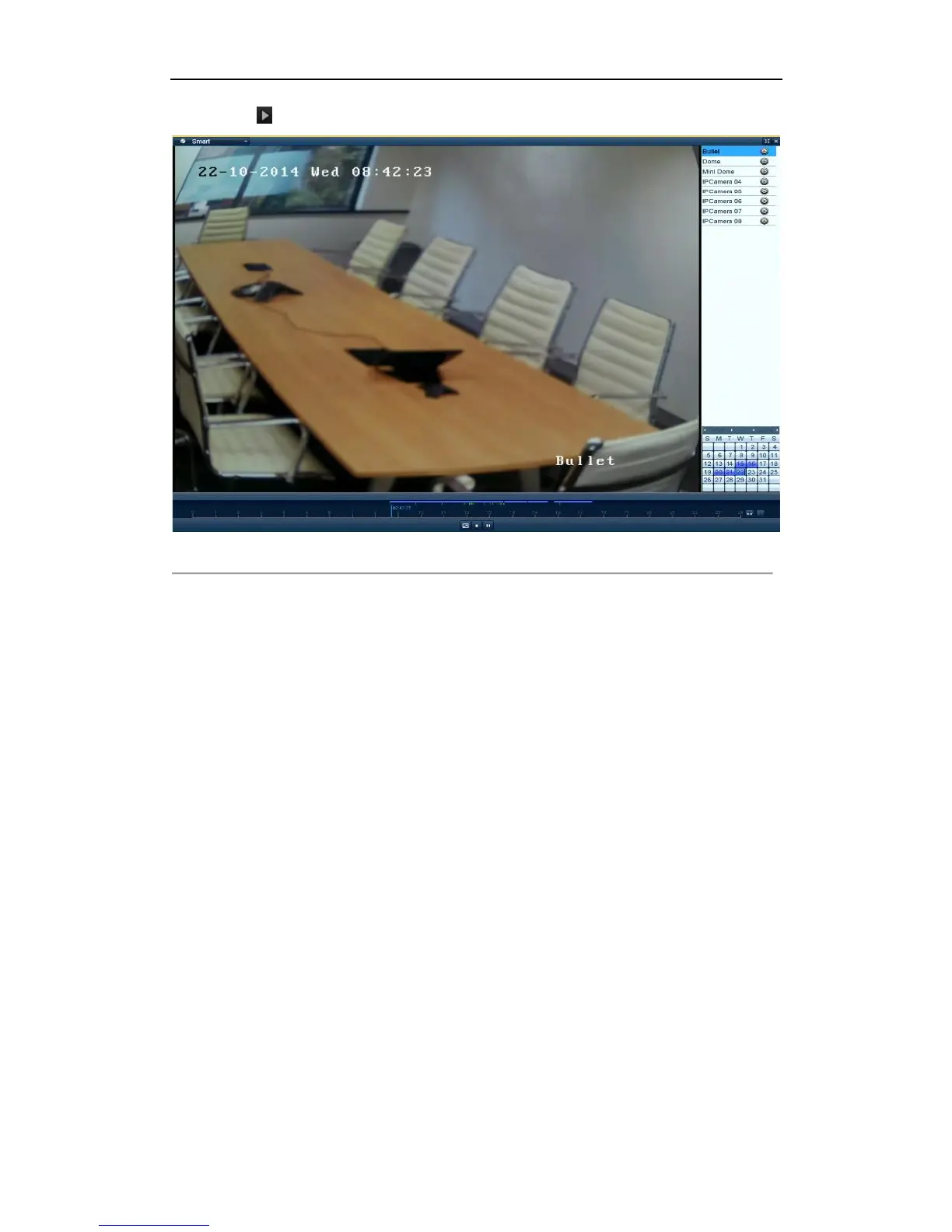
5. Click the button to play.
Figure 5. 20 Smart Search Result
Note:
Playback progress bar: use the mouse to click any point of the progress bar to locate specific frames.
5.1.6 Playing Back by System Logs
Purpose:
Play back record file(s) associated with channels after searching system logs.
Steps:
1. Enter Log Information interface.
Menu>Maintenance>Log Information
2. Click Log Search tab to enter Playback by System Logs.
Set search time and type and click Search button.



 To Next Page