User Manual of Network Video Recorder - User Manual
123
9.4 Configuring Quota Mode
Purpose:
Each camera can be configured with allocated quota for the storage of recorded files.
Steps:
1. Enter the Storage Mode interface.
Menu > HDD > Advanced
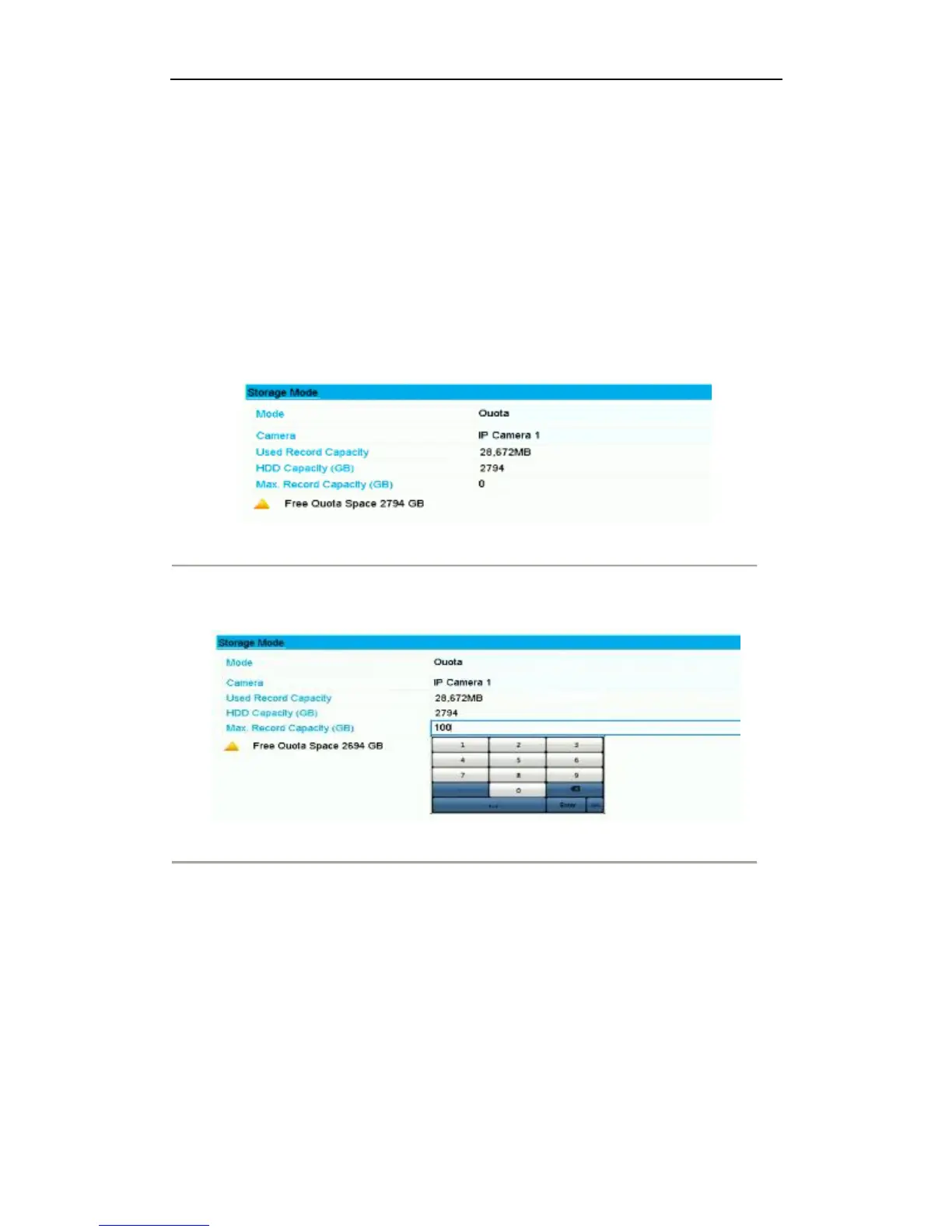
2. Set the Mode to Quota, as shown in Figure 9. 7.
Note:
The NVR must be rebooted to enable the changes to take effect.
Figure 9. 7 Storage Mode Settings Interface
3. Select a camera for which you want to configure quota.
4. Enter the storage capacity in the text fields of Max. Record Capacity (GB), as shown in Figure 9. 8.
Figure 9. 8 Configure Record Quota
5. You can copy the quota settings of the current camera to other cameras if required. Click the Copy button to
enter the Copy Camera menu, as shown in Figure below.



 To Next Page