User Manual of Network Video Recorder - User Manual
77
Chapter 6 Backup
6.1 Backing up Record Files
6.1.1 Quick Export
Purpose:
Export record files to backup device(s) quickly.
Steps:
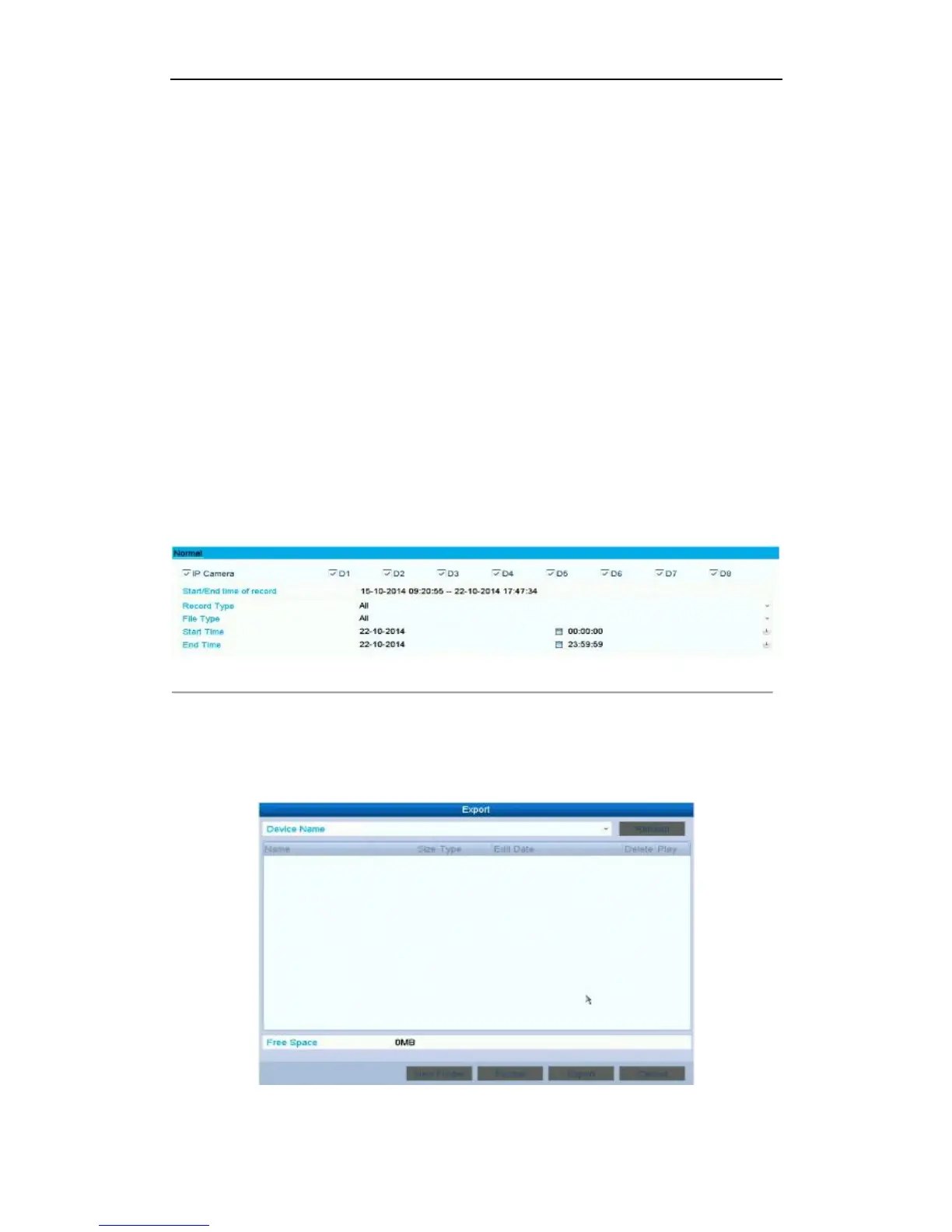
1. Enter Video Export interface.
Menu>Export>Normal
Choose the channel(s) you want to back up and click Quick Export button.
Note:
The time duration of record files on a specified channel cannot exceed one day. Otherwise, the
message box “Max. 24 hours are allowed for quick export.” will pop up.
Figure 6. 1 Quick Export Interface
2. Click on the Export button to start exporting.
Note:
Here we use USB Flash Drive and please refer to the next section Normal Backup for more backup
devices supported by the NVR.
Figure 6. 2 Quick Export using USB1-1



 To Next Page