User Manual of Network Video Recorder - User Manual
150
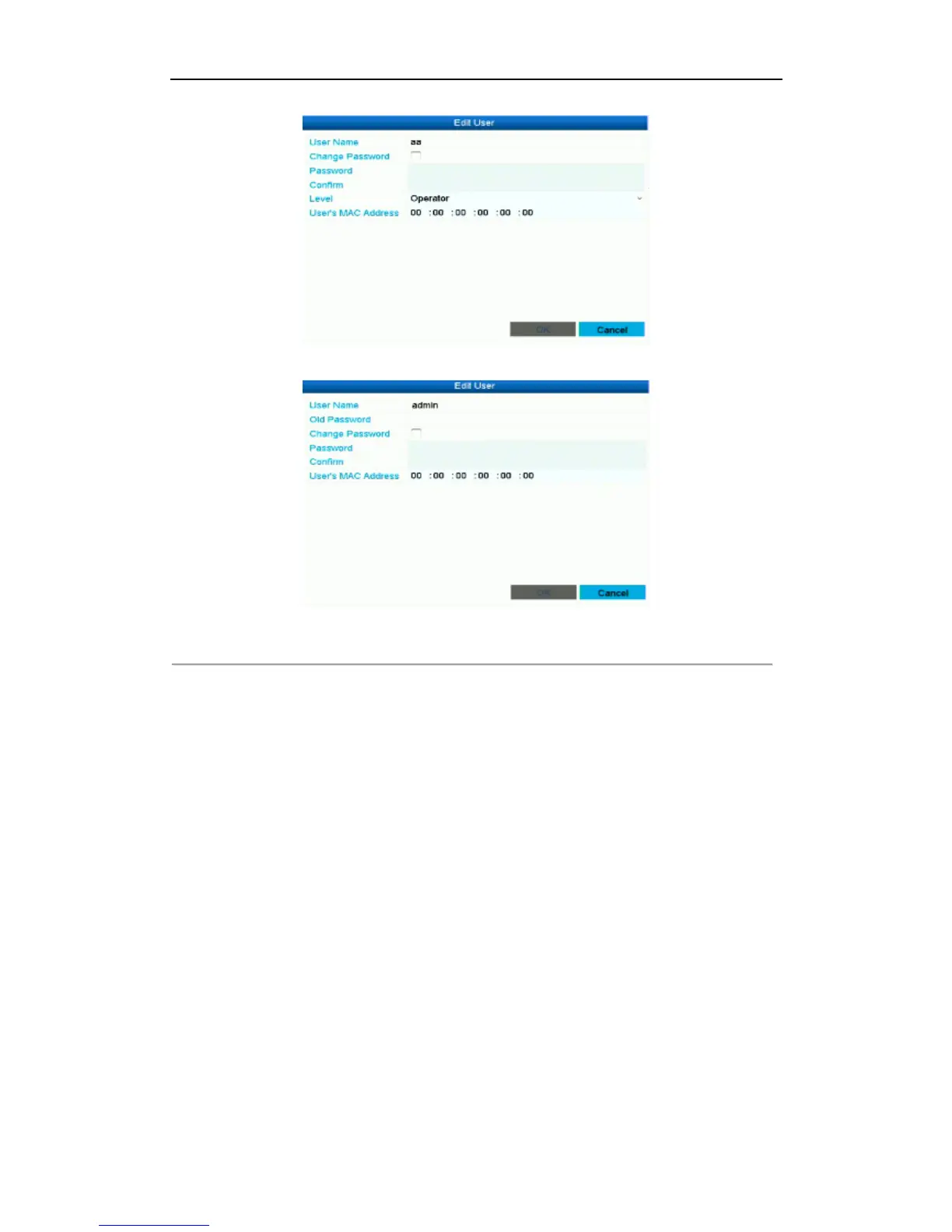
Operator and Guest
Admin
Figure 12. 10 Edit User Interface
4. Edit the corresponding parameters.
• Operator and Guest
You can edit the user information, including user name, password, permission level and MAC address.
Check the checkbox of Change Password if you want to change the password, and input the new one in
the text field of Password and Confirm.
• Admin
You are only allowed to edit password and MAC address. Check the checkbox of Change Password if
you want to change the password, and the input the correct old password, and the new one in the text
field of Password and Confirm.
5. Click the OK button to save the settings and exit the menu.



 To Next Page