User Manual of Network Video Recorder - User Manual
49
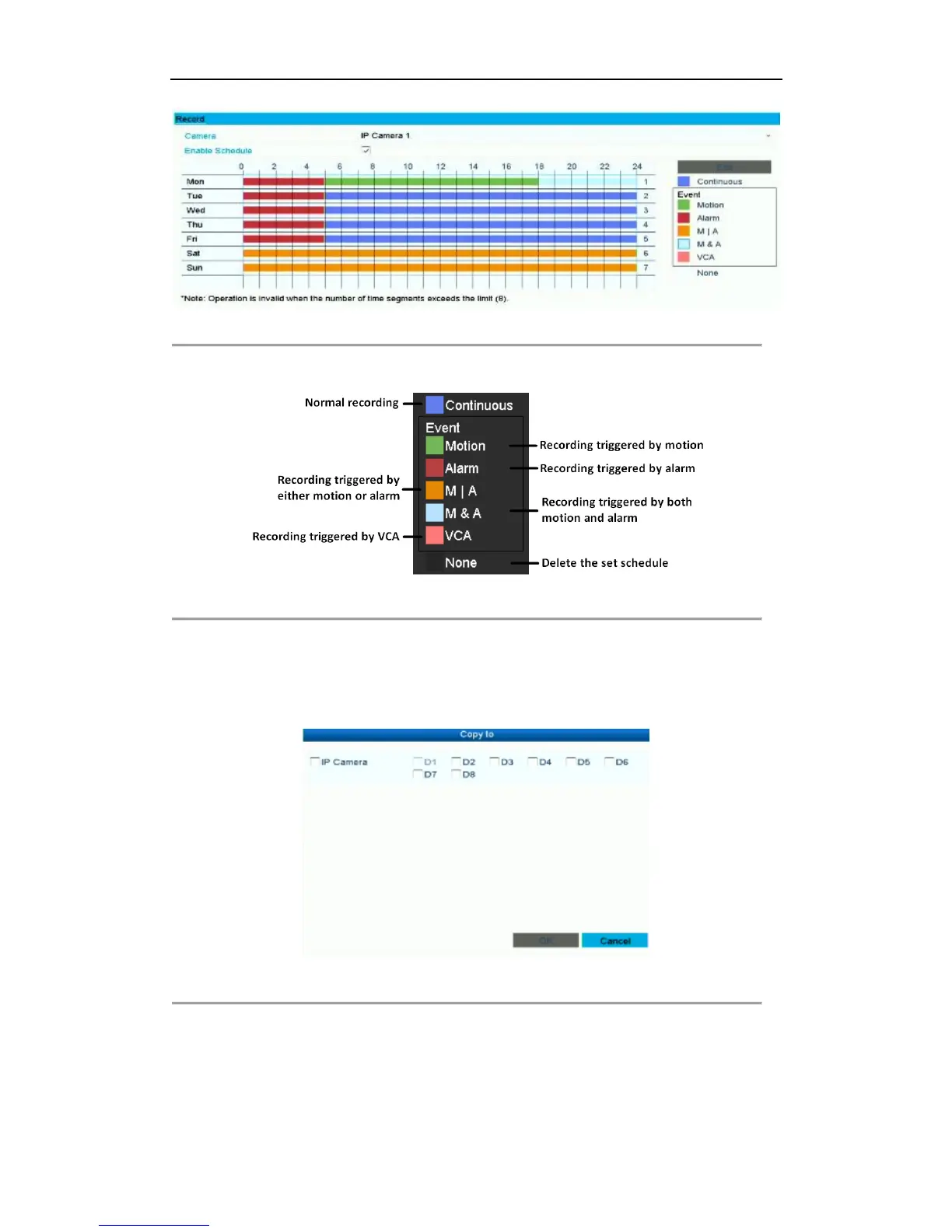
Figure 4. 9 Draw the Schedule
Descriptions of the color icons are shown in the figure below.
Figure 4. 10 Descriptions of the color icons
II. Click the Apply button to validate the settings.
3. (Optional) If the settings can also be used to other channels, click Copy, and then choose the channel to
which you want to copy.
4. Click Apply to save the settings.
Figure 4. 11 Copy Schedule to Other Channels



 To Next Page