User Manual of Network Video Recorder - User Manual
64
Play back record files on one or several channels searched out by restricting event type (e.g. alarm input and
motion detection).
Steps:
1. Enter the Playback interface.
Menu>Playback
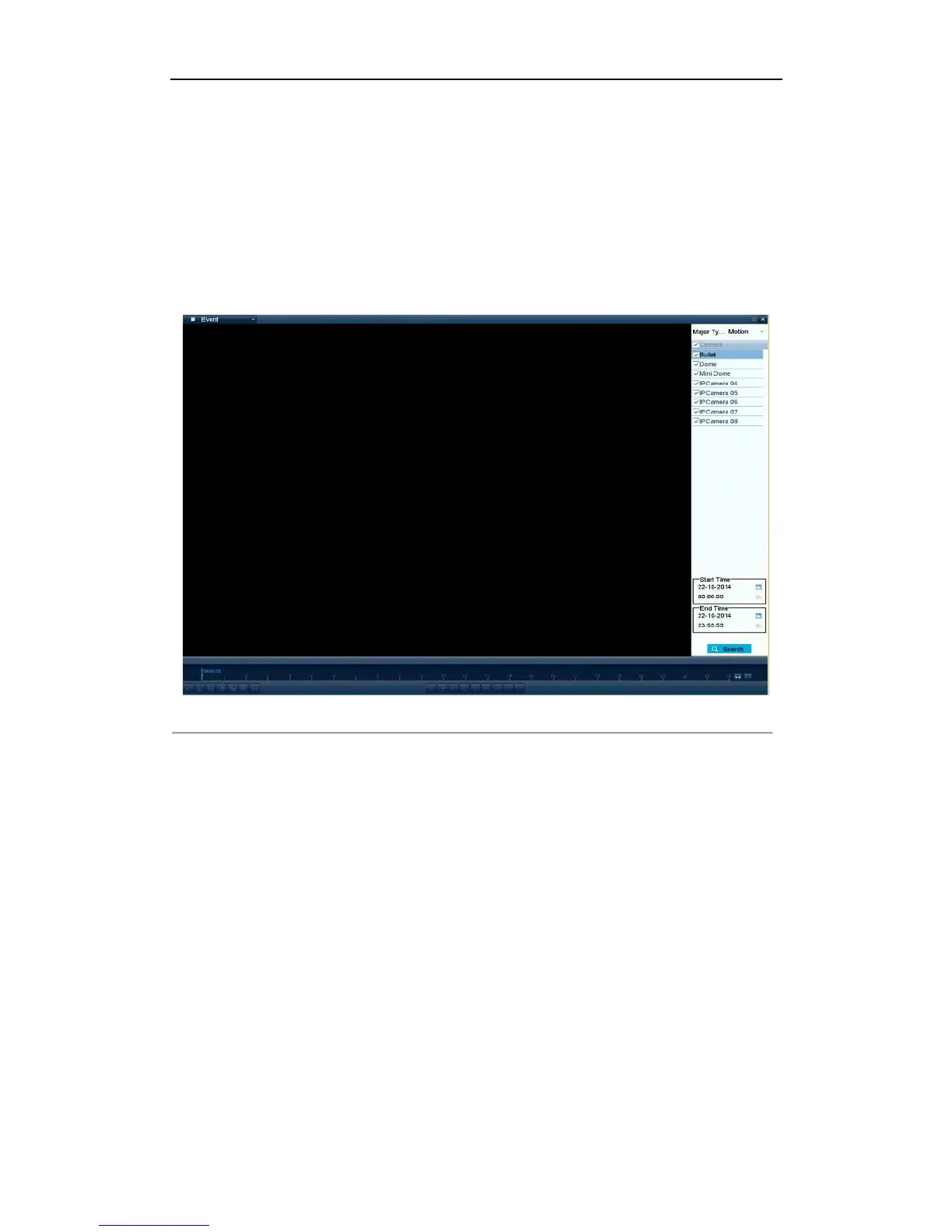
2. Select the Event in the drop-down list on the top-left side.
3. Select Alarm Input, Motion or VCA as the event type, edit the Start time and End time.
Note:
Here we take playback by motion as the example.
Figure 5. 8 Motion Search Interface
4. Click Search button to get the search result information. You may refer to the right-side bar for the result.



 To Next Page