User Manual of Network Video Recorder - User Manual
84
You may also select video clips to export directly during Playback, using USB devices (USB flash drives, USB
HDDs, USB writer) or SATA writer.
Steps:
1. Enter Playback interface.
Please refer to Chapter 5.1 Playing Back Record Files.
2. During playback, use buttons and in the playback toolbar to start or stop clipping record file(s).
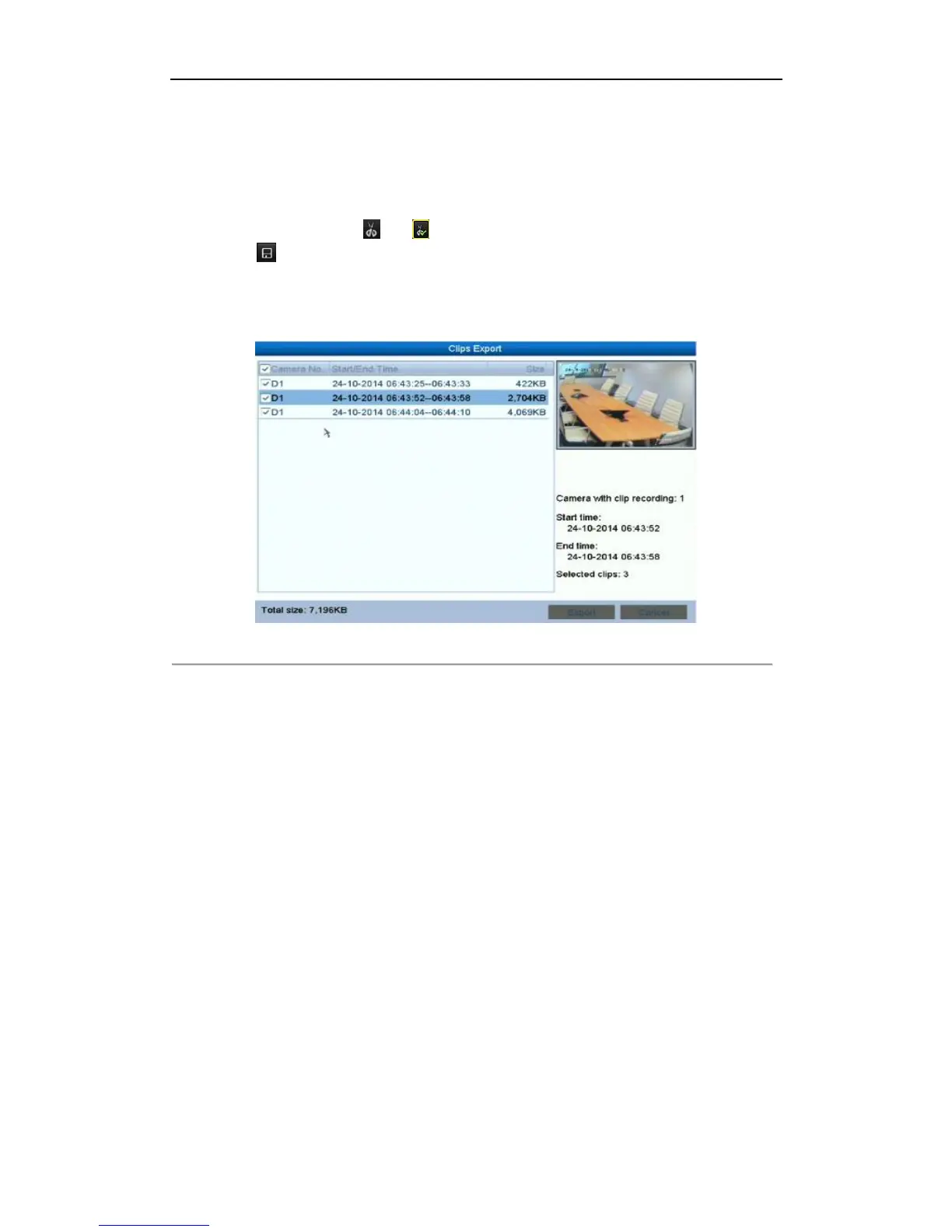
3. Click the to save the video clips. Or the promption of saving clips will pop up when you quit the
playback interface.
Note:
A maximum of 30 clips can be selected for each channel.
Figure 6. 15 Clips Export Interface
4. Export.
Click Export button and start backup.
Note:
If the inserted USB device is not recognized:
• Click the Refresh button.
• Reconnect device.
• Check for compatibility from vendor.
You can also format USB flash drive or USB HDDs via the device.



 To Next Page