User Manual of Network Video Recorder - User Manual
88
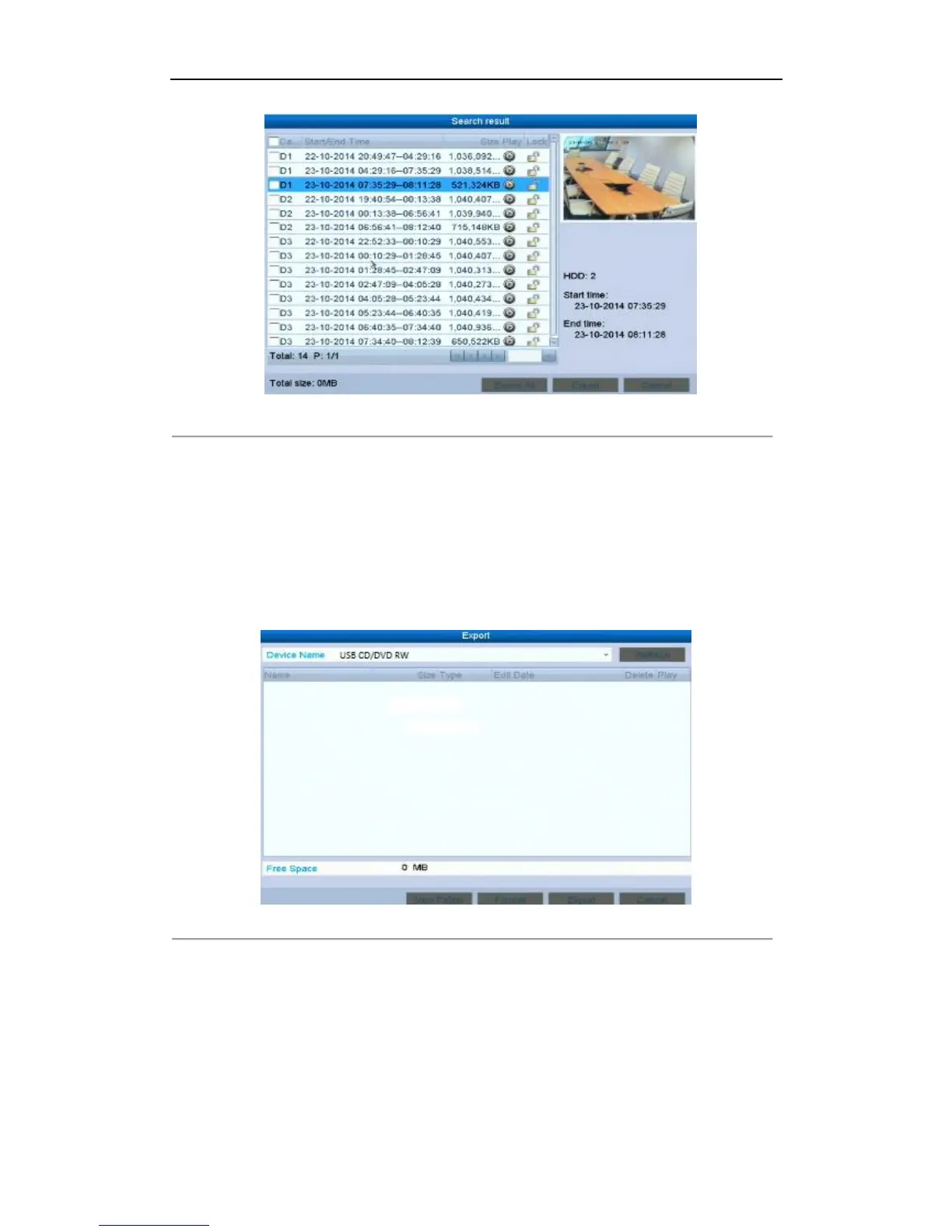
Figure 6. 22 Result of Normal Video Search for Backup
3. Backup device management.
Click Erase button if you want to erase the files from a re-writable CD/DVD.
Note:
There must be a re-writable CD/DVD when you make this operation.
If the inserted USB writer or DVD-R/W is not recognized:
• Click the Refresh button.
• Reconnect device.
• Check for compatibility from vendor.
Figure 6. 23 USB Writer Management



 To Next Page