29
Screen Layout and Operation
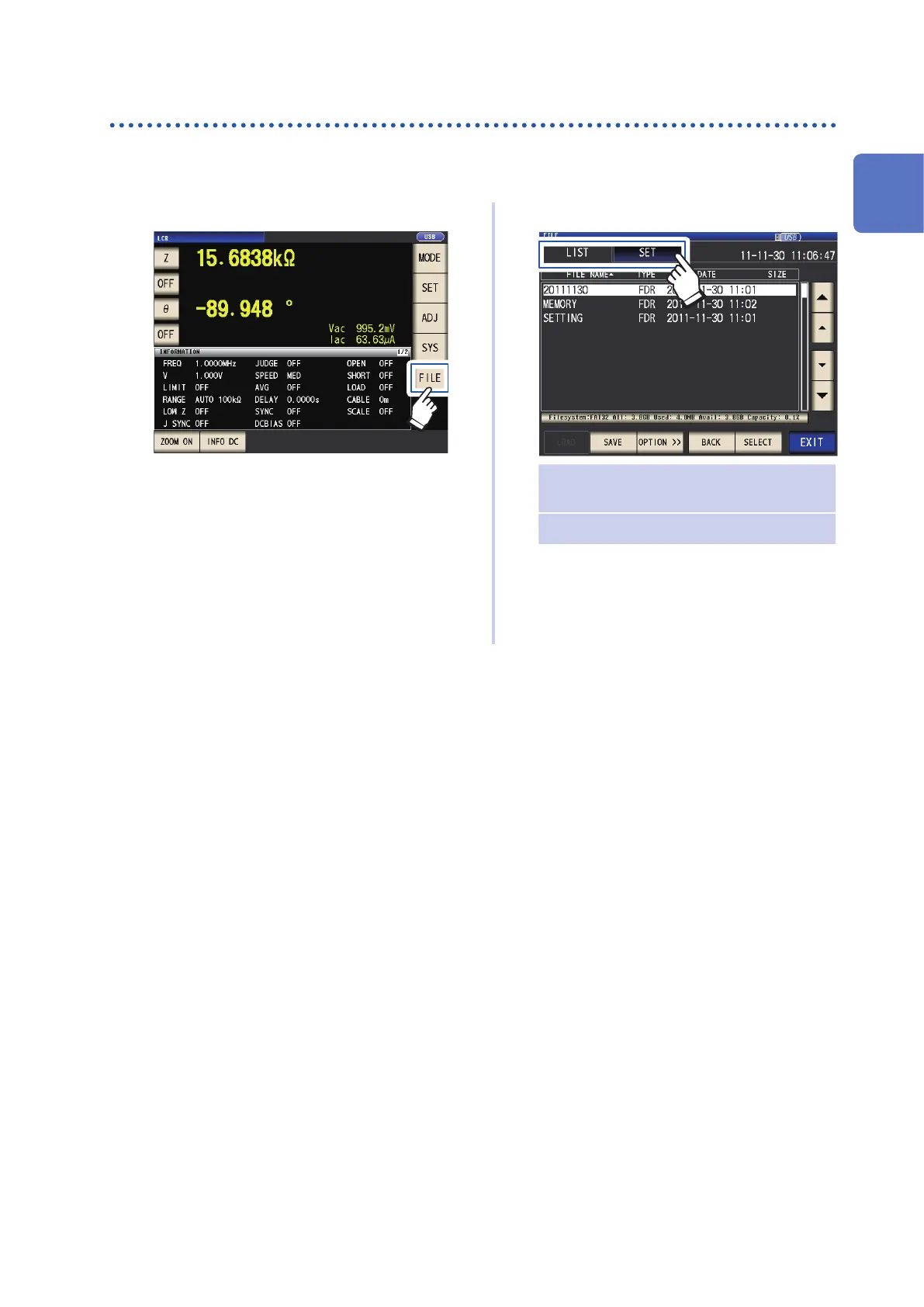
Displaying and manipulating les on the USB ash drive (FILE screen)
This screen is used to display les saved on the USB ash drive and to congure and edit le-relat-
ed settings. It is displayed after the USB ash drive is inserted into the instrument’s receptacle.
1
Touch the FILE key.
2
Touch a tab.
LIST • Display les
• Load, save, or delete (initialize) les
SET Congure le-saving operation
3
Congure le-saving settings, display
les, and manipulate les.
See “8 Using USB Flash Drive (Sav-
ing and Loading Data)” (p.
137).
1
Overview



 To Next Page