Troubleshooting
Check if Mute mode is set to on.
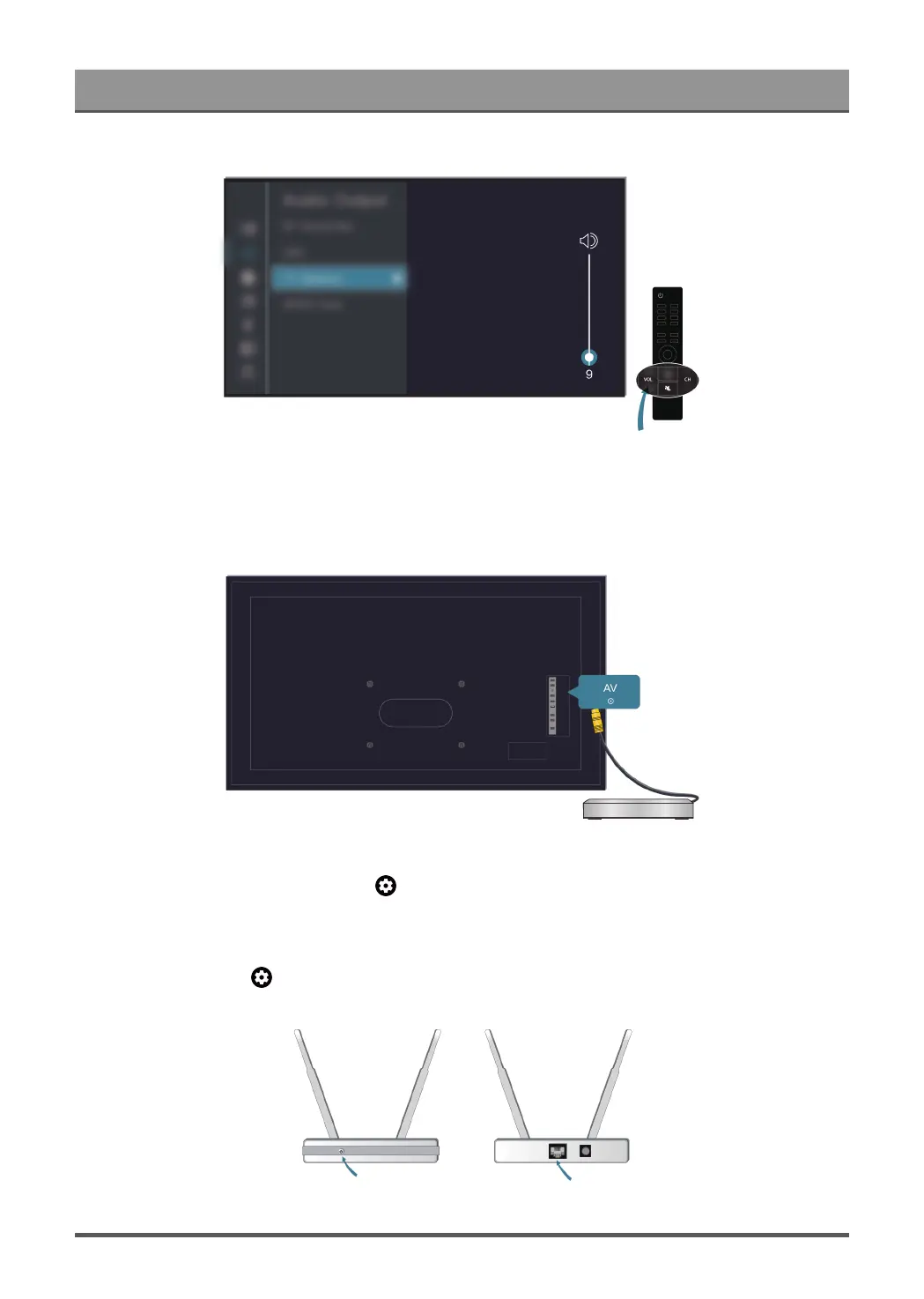
Check the volume settings.
Check the volume control of the device (cable or satellite box, DVD, Blu-ray, etc.) connected to your TV.
Make sure that the audio cable is connected to the correct audio output connector on the external device.
Check whether TV Speaker is selected at > Settings > Display and sound > Audio Output.
My TV cannot connect to the network.
Check network status at > Settings > System > About > Status.
44


 To Next Page