Troubleshooting
Make sure your modem/wireless router is on and connected to the Internet.
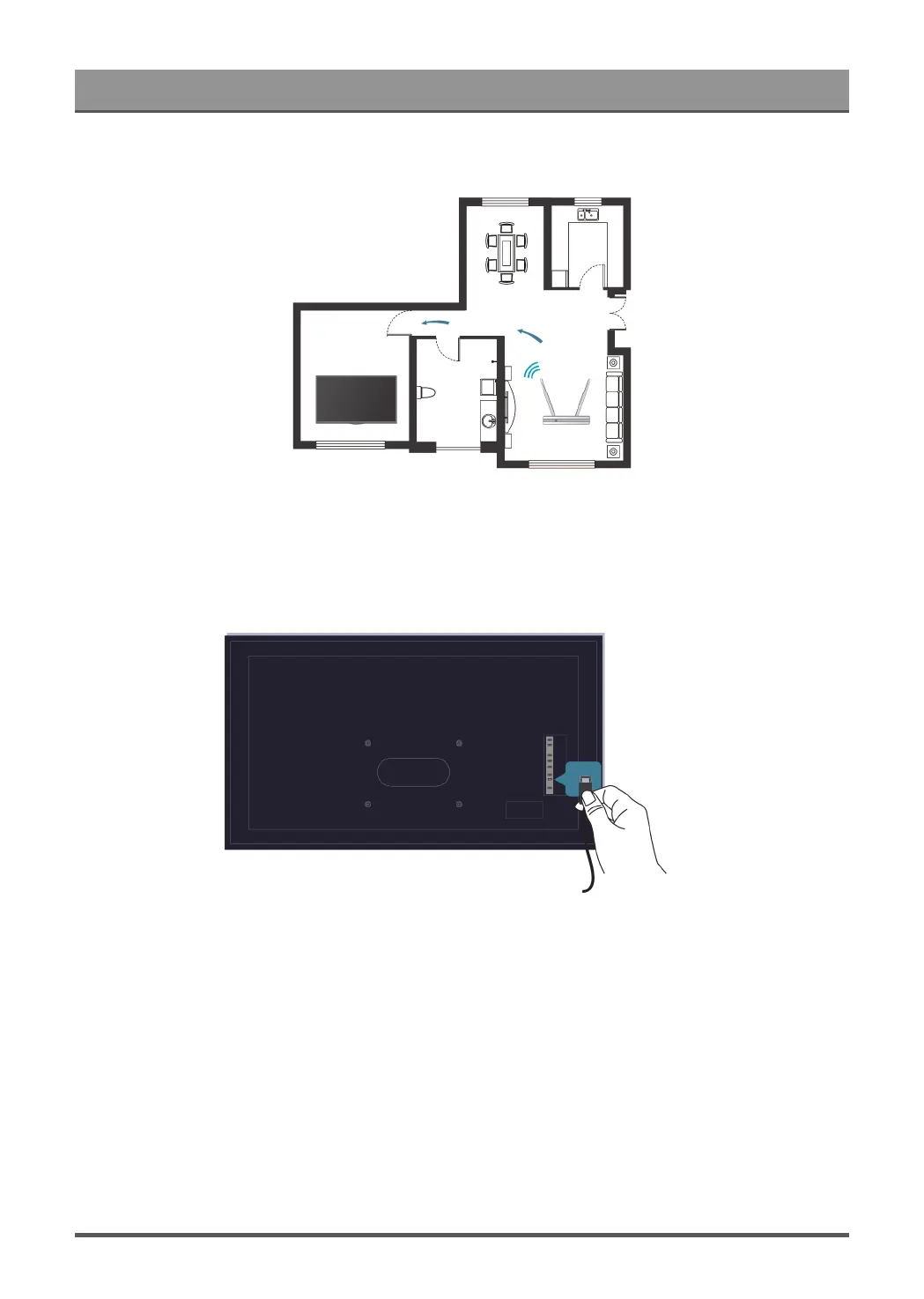
Position your wireless router, modem router, or access point in a central location. Avoid putting it in a corner.
External source connected but no picture or sound.
I have connected an external source to my TV but I get no picture and/or sound.
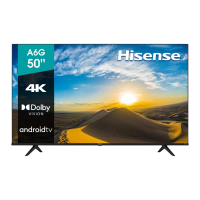
Check whether the connection between the external device and your TV is correct and secure.
45


 To Next Page