ENGLISH
15
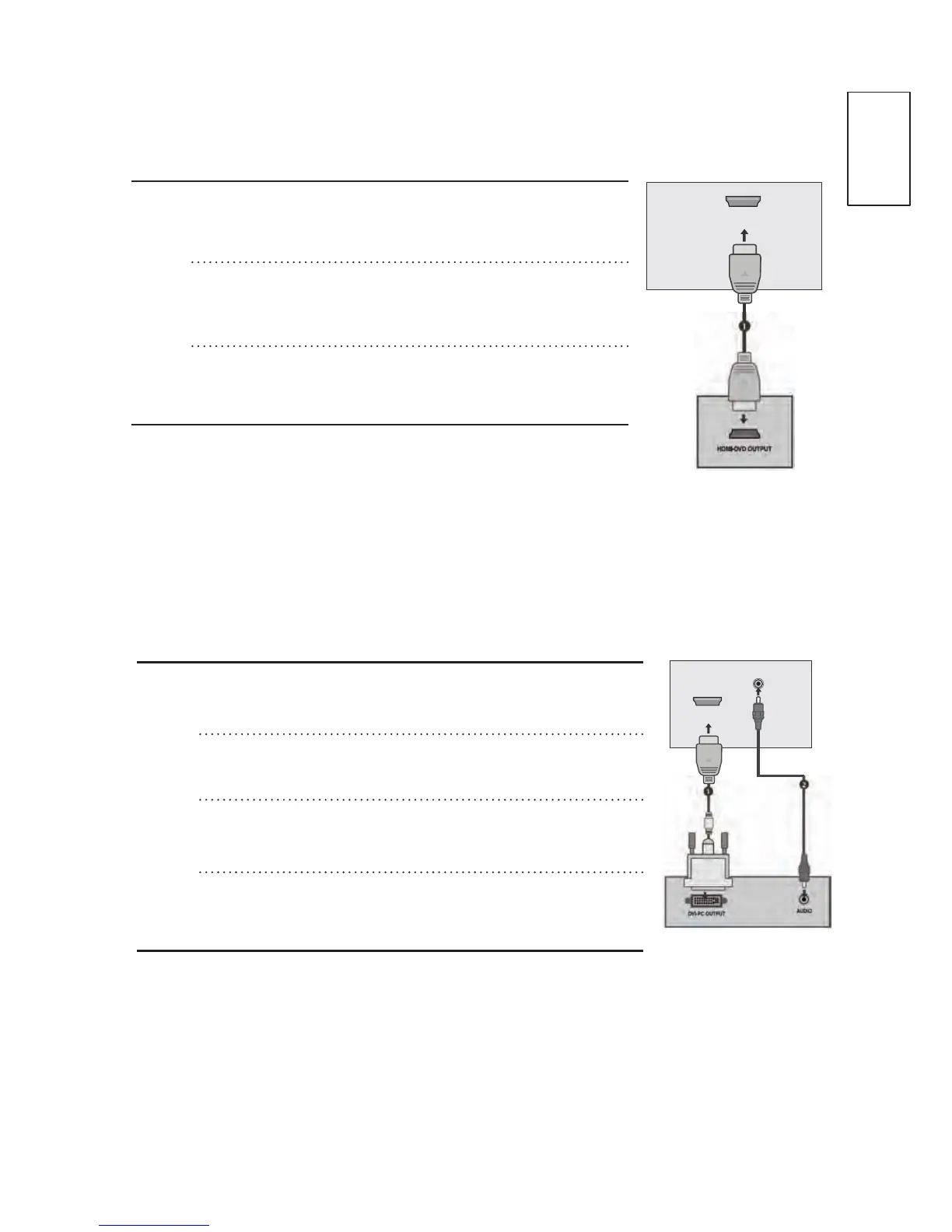
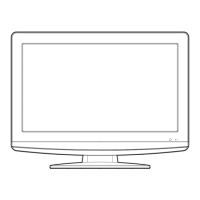
Connecting a set-top box with an HDMI
n
o
p
Connect the HDMI output of the digital set-top
box to the HDMI IN1(DVI) or HDMI IN 2 jack
on the TV.
Turn on the digital set-top box.
(Refer to the user manual for
the digital set-top box.)
Select HDMI1 or HDMI2 input source using the
INPUT button on the remote control.
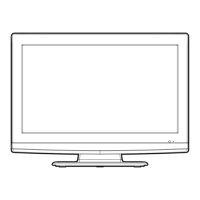
Connecting with a HDMI to DVI cable
n
o
p
q
Connect the digital set-top box to HDMI IN
1(DVI) jack on the TV.
Connect the audio output of the digital set-top
box to the AUDIO IN (RGB/DVI) jack on the TV.
Turn on the digital set-top box. (Refer to the
owner’s manual for the digital set-top box.)
Select HDMI1 input source using the INPUT
button on the remote control.
HDMI IN 1
(DVI)
AUDIO IN
(RGB/DVI)
HDMI IN 1
(DVI)


 To Next Page