ENGLISH
29
WATCHING TV / PROGRAMME
CONTROL
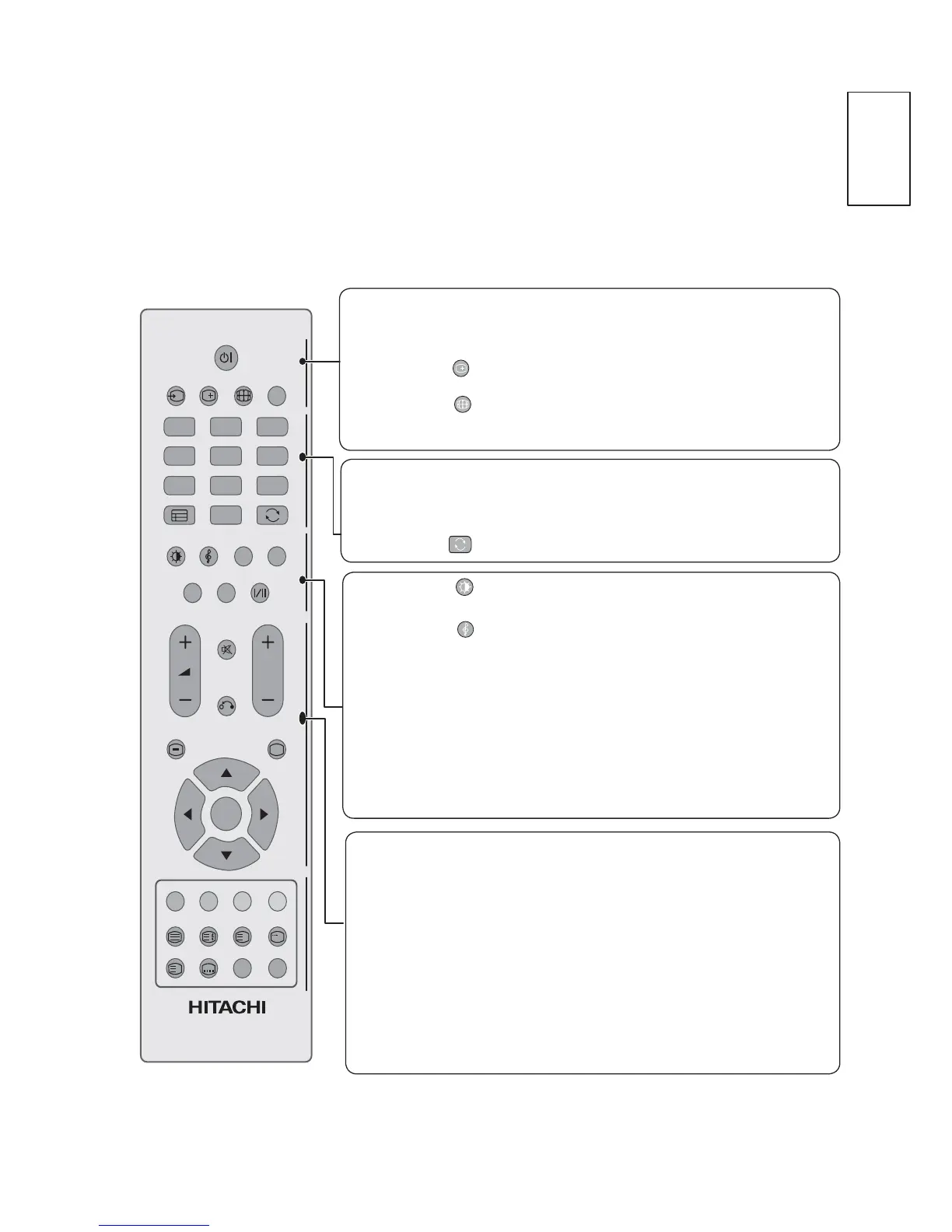
Remote Control Key Functions
When using the remote control, aim it at the remote control sensor on the TV
POWER
INPUT
123
456
789
0
GUIDE
SLEEP
FAV ADD/ERASE
MUTE
MENU EXIT
OK
SUBPAGE
S
RETURN
P
CH LIST
i
?
i
AD
POWER
INPUT
INFO
i
RATIO
SLEEP
0~9 number
GUIDE
Q.VIEW
PICTURE MODE
SOUND MODE
AD
CH LIST
FAV
ADD/ERASE
I/II
Switches the TV on from standby or off to standby.
([WHUQDOLQSXWPRGHURWDWHLQUHJXODUVHTXHQFH
or Display the Input List.
Show the channel information.
Select your desired picture format.
Set the Sleep Timer
Selects a programme.
Show the programme guide with information.
Return to the previous programme
Select and set the Picture Mode.
Select and set the Sound Mode.
Switch the Audio Description on/off.
Display the programme List.
Display the selected favorite programme.
Add/Erase programme to your Favorite List.
Select the Mono/Stereo sound.
MUTE
RETURN
MENU
EXIT
THUMBSTICK
(Up/Down/Left
Right)
OK
Switch the sound On/Off.
Allows the user to move back one step in an interactive
application, or other user interaction function.
Display the menu screen.
Clears all on-screen displays and returns to TV viewing
from any menu.
Allows you to navigate the on-screen menus and
adjust the system settings to your preference.
Accepts your selection or displays the current mode.



 To Next Page