48
ENGLISH
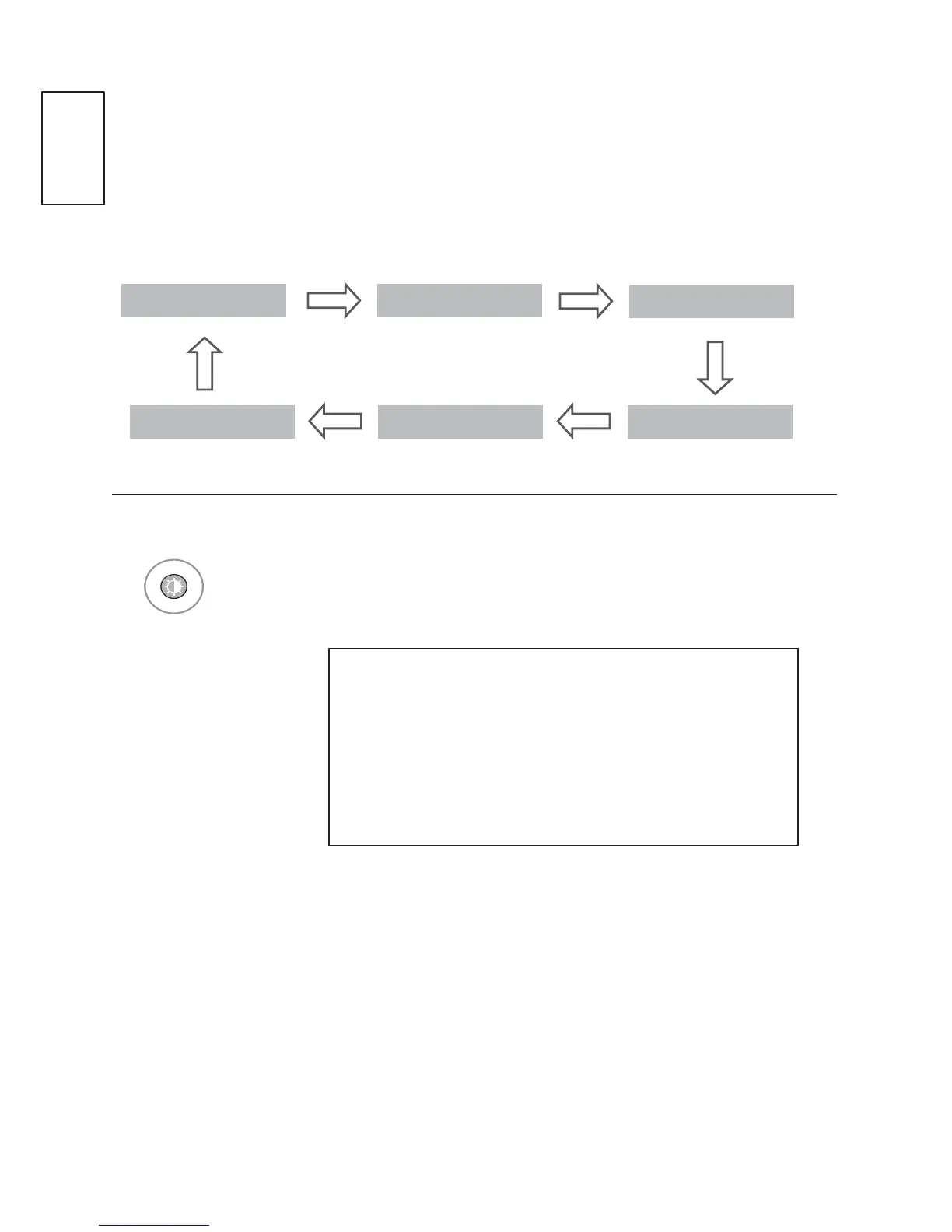
Picture Mode
You can select the optimal images and picture when connecting AV devices to
external input.
User Dynamic
Nature
CinemaSportGame
1
Select and set the picture Mode.
,I\RXVHOHFW&LQHPDLQ$9PRGH&LQHPDPRGH
will be selected both for Picture Mode and Sound
Mode in PICTURE menu and AUDIO menu
respectively.
,I\RXVHOHFW³8VHU´LQ$9PRGHWKHSLFWXUHDQG
image which you initially set will be selected.



 To Next Page