17
Cable check, Warning indication
Cable check
CU-HD1500 automatically checks the condition of optical cable, and shows the results on both PIX OUT
screen and LED indicators on front panel at start-up. If any troubles are detected, the camera power might
be forced to shut down for safety.
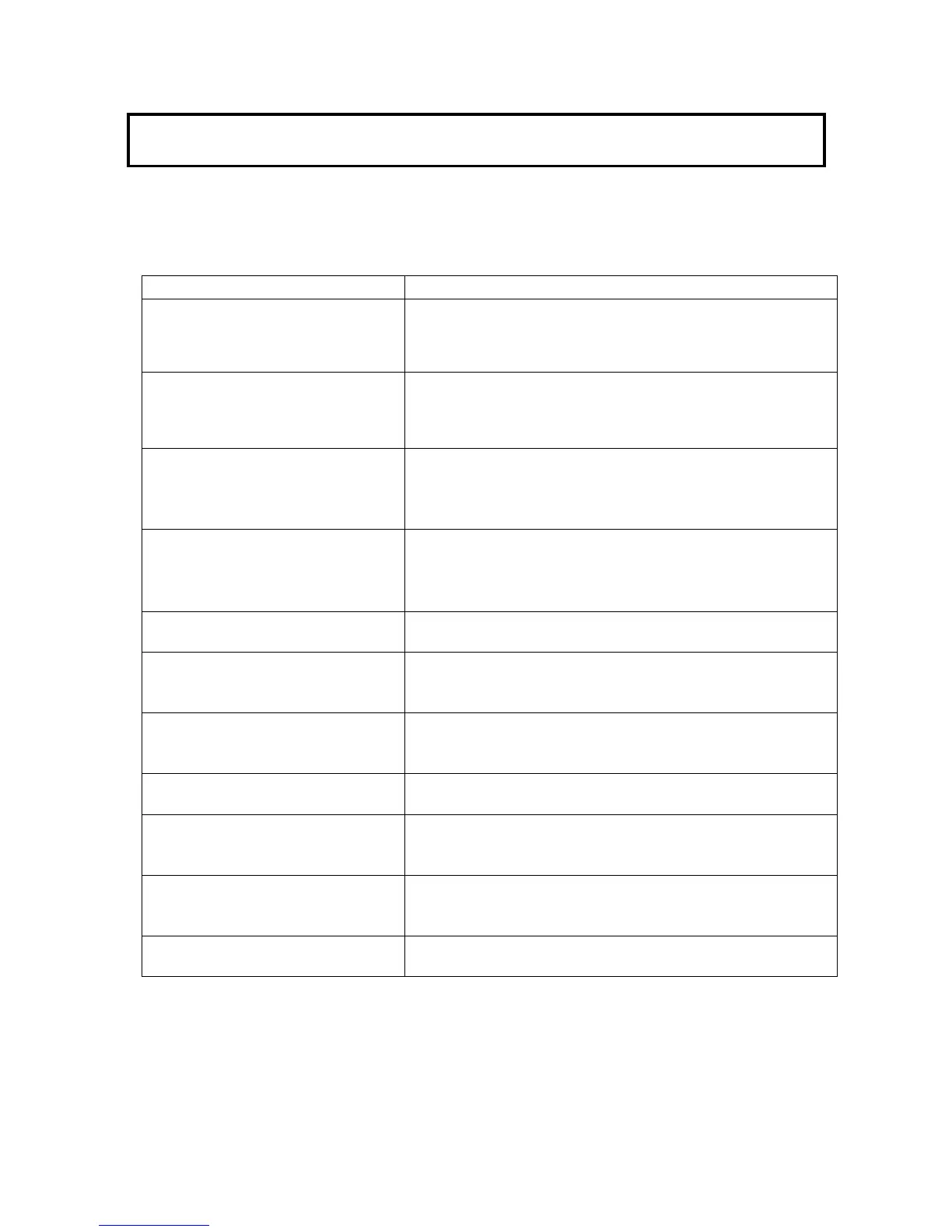
Indication Content
Screen:
CHECK CAMERA CABLE
CAMERA CABLE SHORT
CAMERA CABLE:HYBRID
LED: SHORT lights
The power line may be short-circuited.
Camera power defaults to off and camera power switch is
rendered inoperative.
Cable mode is Selected the HYBRID.
Screen:
CAMERA CABLE OPEN
CAMERA CABLE:HYBRID
LED: OPEN lights
Cable is not connected.
Camera power defaults to off and camera power switch is
rendered inoperative.
Cable mode is Selected the HYBRID.
Screen: CHECK CAMERA CABLE
CAMERA CABLE SHORT
CAMERA CABLE:SINGLE
LED: SHORT lights
The power line may be short-circuited.
Camera power defaults to off and camera power switch is
rendered inoperative.
Cable mode is Selected the SINGLE.
Screen: CAMERA CABLE OPEN
OR CHECK CAMERA POWER
CAMERA CABLE:SINGLE
LED:
OPEN lights
Cable is not connected.
Camera power defaults to off and camera power switch is
rendered inoperative.
Cable mode is Selected the SINGLE.
Screen: CCU FAN ALARM!! FAN warning of CCU
The internal fan is stopped or the rotating speed is lowered.
Screen: CAMERA FAN ALARM!! FAN warning of camera head or camera adaptor
The adaptor internal fan is stopped or the rotating speed is
lowered.
Screen: CCU OPT WARNING!
LED: YELLOW in CCU OPT LEVEL
lights
The optical receiver level of CCU is low.
Check a fiber cable, and clean the terminal if necessary.
Screen: CCU OPT ALARM !
LED: RED in CCU OPT LEVEL lights
The optical receiver level of CCU is very low.
Check a fiber cable, and clean the terminal if necessary.
Screen: CAMERA OPT WARNING!
LED: YELLOW in HEAD OPT LEVEL
lights
The optical receiver level of camera head is low.
Check a fiber cable, and clean the terminal if necessary.
Screen: CAMERA OPT ALARM !


 To Next Page