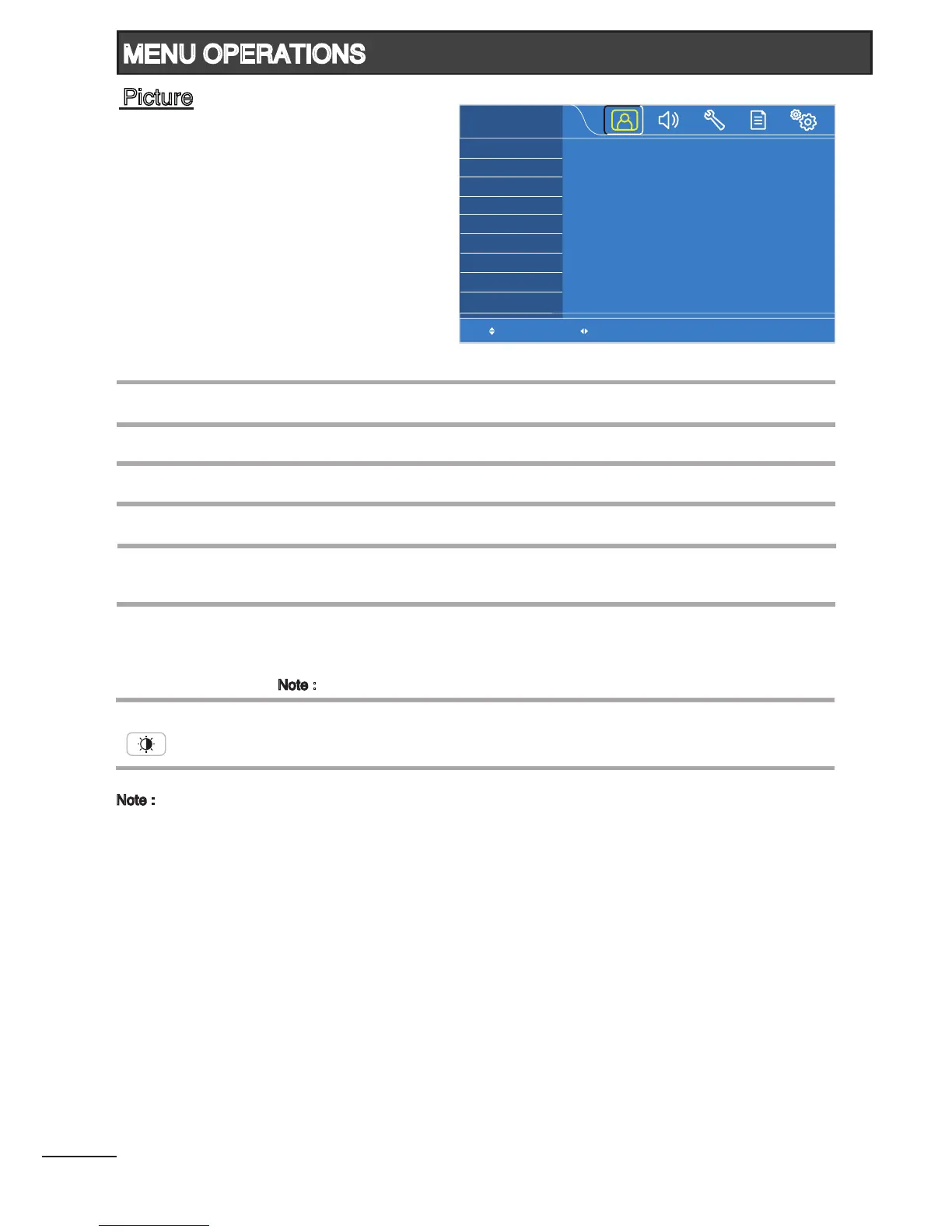
Adjust to brighten or darken the picture.
Adjust to increase or decrease the picture contrast.
Adjust overall color intensity from no color to fully saturated.
Adjust to obtain natural skin color.
Adjust picture detail and clarity.
Select the most suitable setting depending on your preferred color tone.
(Cool / Normal / Warm)
Select the most suitable setting to reduce noise in the picture due to weak
signal condition.
(Auto / Off / Low / Middle / High)
Note : Not available in RGB mode.
Select the most suitable picture mode according to your lighting condition.
(Dynamic / Natural / Cinema / Favorite)
Brightness
1
Contrast
1
Color
1
Tint
1
Sharpness
1
Color
Temperature
DNR
(Digital Noise Reduction)
Picture Mode
( )
Select Adjust
Brightness
Contrast
Color
Tint
Sharpness
Color Temperature
DNR
Picture Mode
PICTURE
50
50
50
50
50
Cool
Auto
Favorite
15
MENU OPERATIONS
Picture
Note :
1
All picture settings will be stored in Favorite Picture Mode.








 To Next Page