Error! Reference source not found.
10-3
10.1.1 SHIFT VALUE
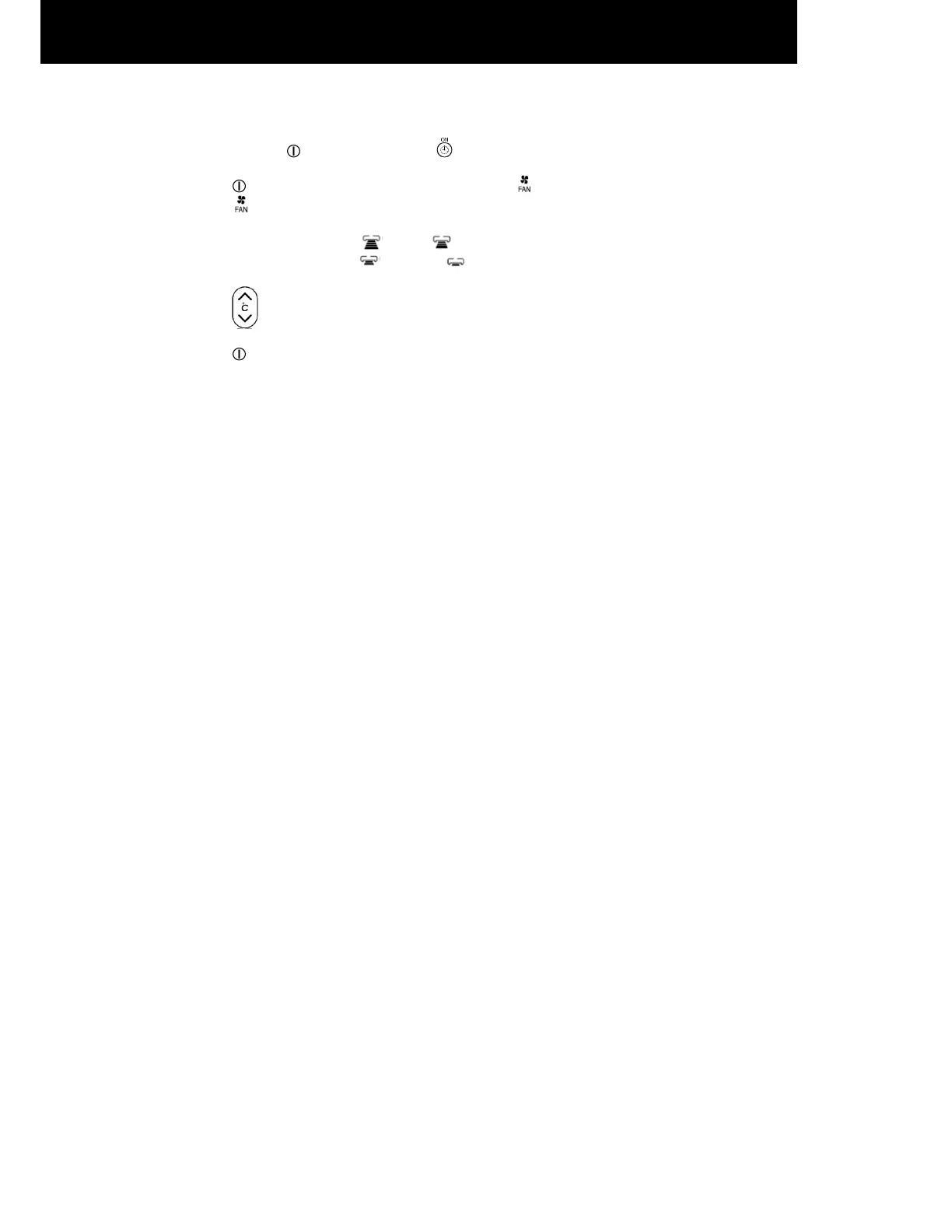
1. Press and hold (ON/OFF) button and (ON TIMER) button at the same time while giving a single press on
the RESET button until remote controller now enter ‘Shift value change mode’.
2. Press (ON/OFF) button so that the display indicates (FAN) speed.
3. Select (FAN SPEED) button to choose Heating Shift or Cooling Shift Mode.
By setting fan speed to HIGH or MED , it will go to Cooling Shift mode.
By setting fan speed to LOW or SILENT , it will go to Heating Shift mode.
4. Press (ROOM TEMPERATURE) button to change the shift value (-3°C ~ 0 ~ 3°C).
5. Press (ON/OFF) button to end ‘Shift value setting mode’.
NOTE:
1. There are total of 7 shift values ranging from -3 to 3.
2. The changed shift value will remain unchanged after turned off the power.




 To Next Page